

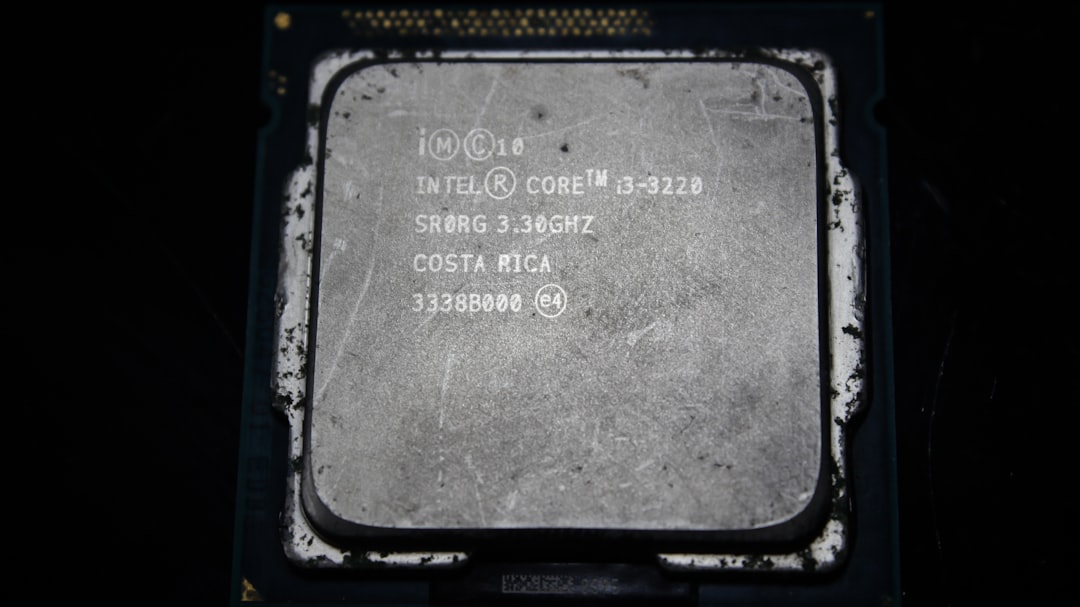
In August 2024, Microsoft is rolling out Windows 11 version 24H2, a major update introducing enhancements in performance, security, and usability. One significant point of interest is the updated CPU support list, which determines which devices are officially eligible to run this version of Windows. This update aims at optimizing the OS for more modern hardware while gradually dropping support for older, less capable processors.
TLDR (Too Long; Didn’t Read):
Windows 11 24H2 refines hardware requirements, particularly for CPUs. Only newer generations of Intel, AMD, and Qualcomm chips are supported, improving overall performance and compatibility with AI-enhanced features. Devices with unsupported processors won’t receive this update and may rely on previous Windows versions or opt for upgrades. The focus is strongly on future-ready, secure, and power-efficient systems.
What’s New in Windows 11 24H2?
Before delving into the CPU support list, it’s important to understand the core enhancements coming with the 24H2 update:
- AI integration: Deeper Copilot integration and AI-driven suggestions across system UI and supported applications.
- Efficiency improvements: Better energy management and hardware optimization for longer battery life on mobile devices.
- Security refinements: Advanced protection mechanisms requiring modern TPM, Secure Boot, and supported CPUs.
- UI and accessibility updates: Streamlined layout and improved voice and screen control functionalities.
These enhancements demand a baseline performance level from CPUs, hence the critical importance of the supported hardware lists by Intel, AMD, and Qualcomm.
Intel CPUs Supported for Windows 11 24H2
Microsoft has streamlined its support for Intel processors in 24H2, focusing primarily on newer, higher-efficiency lines. Processors that fall under the 8th Gen and newer families are eligible, with select exceptions and new additions from 13th and 14th Gen models receiving optimized support.
List of supported Intel CPU generations:
- Intel 8th Gen (Coffee Lake)
- Intel 9th Gen (Coffee Lake Refresh)
- Intel 10th Gen (Comet Lake, Ice Lake)
- Intel 11th Gen (Tiger Lake, Rocket Lake)
- Intel 12th Gen (Alder Lake)
- Intel 13th Gen (Raptor Lake)
- Intel 14th Gen (Meteor Lake)
- Intel Xeon E-2100 and E-2200 series
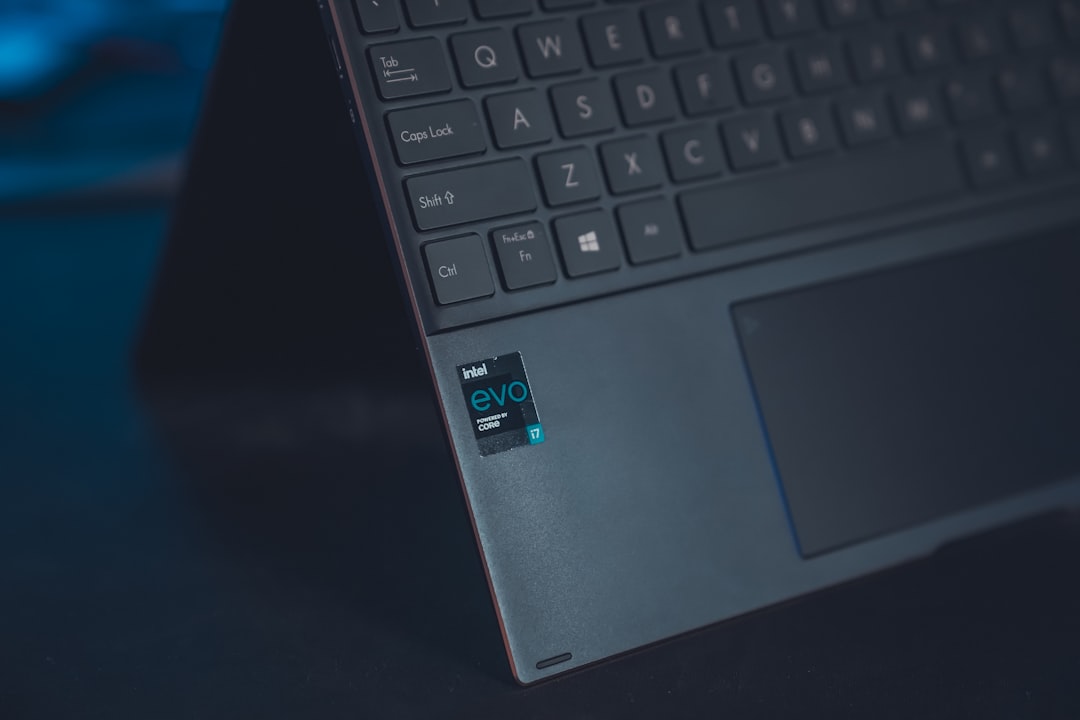
It’s important to note that Intel’s 14th Gen mobile CPUs with built-in NPUs for AI acceleration are particularly well-optimized for the new Copilot features.
AMD CPUs Supported for Windows 11 24H2
AMD processors receive substantial support as well, but Microsoft continues to require a minimum of the Ryzen 2000 series and up. Similar to Intel, AMD chips with AI processing capabilities and improved integrated graphics get the most out of 24H2 enhancements.
List of supported AMD CPU families:
- AMD Ryzen 2000 series (“Pinnacle Ridge”)
- AMD Ryzen 3000 series (“Matisse”)
- AMD Ryzen 4000 series (“Renoir”)
- AMD Ryzen 5000 series (“Vermeer”, “Cezanne”)
- AMD Ryzen 6000 and 7000 series inclusive of new APUs
- AMD EPYC 2nd Gen and newer
- AMD Ryzen Threadripper 2000 series and newer
Compatibility with AMD processors is particularly strong in desktop and gaming environments, though as with Intel, older models even within newer series might miss out if certain security or performance measures are unsupported.
Qualcomm CPUs Supported for Windows 11 24H2
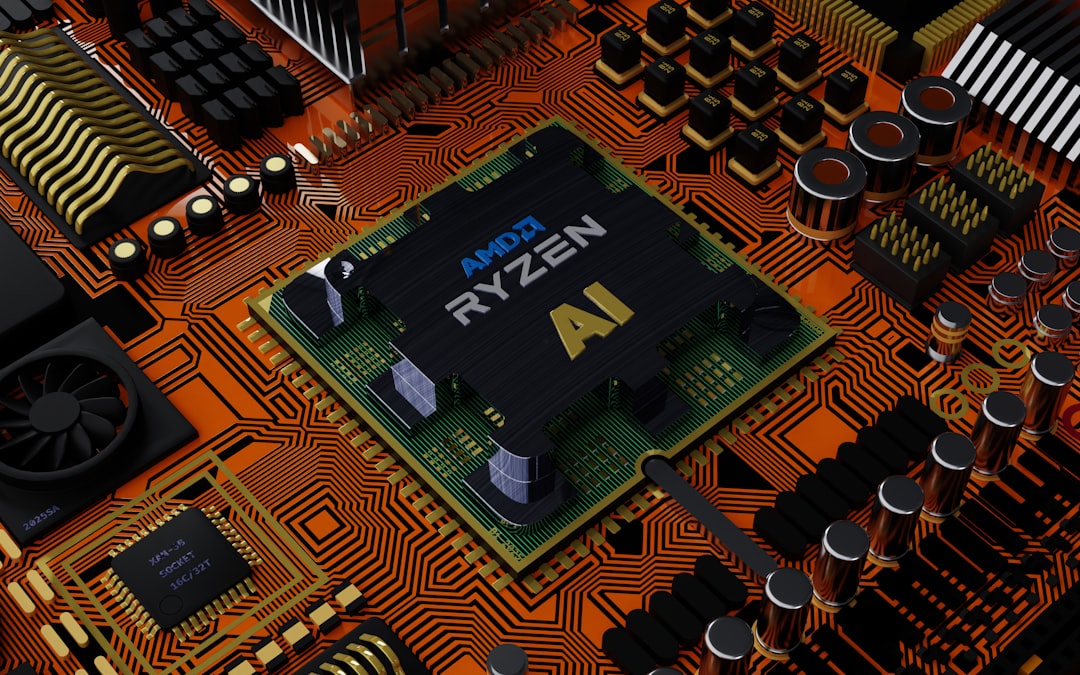
Windows on ARM is an expanding focus for Microsoft, and with the 24H2 update, the company is making ARM-based PCs more powerful than ever. This is especially relevant with the launch of devices powered by Qualcomm’s Snapdragon X Elite and related series.
List of supported Qualcomm processors:
- Qualcomm Snapdragon 7c Gen 2
- Qualcomm Snapdragon 8c and 8cx Gen 2
- Qualcomm Snapdragon 8cx Gen 3 (best performance on Windows ARM today)
- Qualcomm Snapdragon X Elite (2024 flagship ARM chip)
Devices using these processors benefit not only from low power usage but also full support for AI and security features required by Windows 11 24H2.
Unsupported CPUs: What Happens Next?
CPUs older than Intel’s 8th Gen, AMD’s Ryzen 2000 series, and early ARM processors won’t receive the Windows 11 24H2 update. Users on such systems will either remain on 23H2 or receive limited security updates. Microsoft encourages OEMs and enterprises to update devices or explore new hardware altogether.
Potential outcomes for devices with incompatible CPUs:
- Block from installing 24H2 updates automatically
- No access to new features or improvements from this release
- Eventual end of security patch support for previous versions
Why Is Microsoft Tightening Hardware Requirements?
Microsoft’s objective with 24H2 is to standardize a strong foundation for AI, security, and modern performance by aligning with relatively new and powerful hardware standards. This helps reduce fragmentation and ensures that features like Copilot, Voice Access, and enhanced encryption work as intended across the board.

Frequently Asked Questions (FAQ)
- Q: Can I still use Windows 11 if my CPU is unsupported in 24H2?
- A: Yes, you can continue using earlier versions such as 22H2 or 23H2, but you won’t be eligible for new feature updates or eventually even security patches.
- Q: Is there a workaround to install 24H2 on unsupported CPUs?
- A: Technically, yes—through registry tweaks or unofficial ISO installations—but this is not recommended and may lead to unstable system performance or blocked updates.
- Q: Do I need a new PC to run Windows 11 24H2?
- A: Not necessarily. If your PC has an 8th Gen Intel, Ryzen 2000 series, or qualifying ARM processor and meets the other Windows 11 requirements (TPM 2.0, Secure Boot), it should be compatible.
- Q: Which CPU brand offers the best performance with Windows 11 24H2?
- A: All three—Intel, AMD, and Qualcomm—offer unique benefits. Intel and AMD dominate traditional PCs, while Qualcomm’s Snapdragon series powers efficient ARM-based laptops with advanced AI support.
- Q: How do I check if my current CPU is eligible?
- A: You can visit Microsoft’s official list of supported processors or use the PC Health Check app to determine compatibility for Windows 11 24H2.
As Windows 11 evolves, Microsoft’s decisions to embrace modern, future-ready hardware reflect a commitment to security, performance, and innovation. Keeping an eye on supported CPU lists is now essential for those planning to enjoy the benefits of upcoming versions.
