

You open ChatGPT, type a question, and wait. The response loads slowly. Sometimes the typing animation feels delayed. Other times the screen just sits there. If this keeps happening, it can feel frustrating. Let’s break down why ChatGPT may be slow and what you can do to fix it.
What Does “ChatGPT Is Slow” Actually Mean?
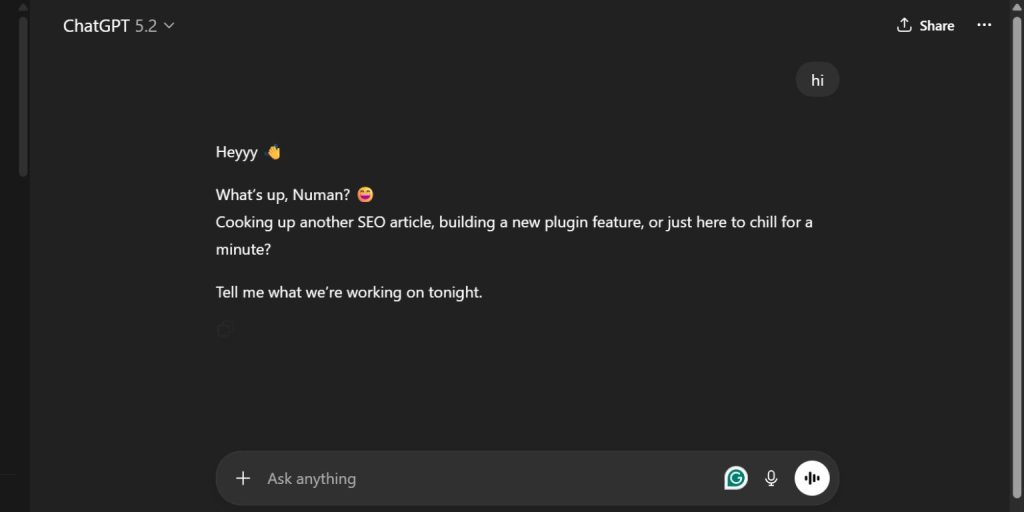 When users say ChatGPT is slow, they usually mean one of three things. The AI takes longer than usual to generate text. The response appears in small chunks with long pauses. Or the page keeps loading without showing an answer. ChatGPT runs on OpenAI servers using large language models like GPT-4o and GPT-4.
These models process tokens, which are pieces of text. When server load increases or model complexity rises, response time can increase too. So sometimes the delay comes from AI processing, not your device.
Other times the delay has nothing to do with OpenAI at all. It can be network latency, weak bandwidth, or browser performance. So it helps to understand where the slowdown starts before trying to fix it.
Common Reasons Why ChatGPT Is Slow
ChatGPT performance depends on multiple factors. Some are related to OpenAI infrastructure. Others depend on your internet connection or device settings.
Here are the most common causes:
- High traffic on OpenAI servers during peak hours
- Using a heavier model like GPT-4o instead of GPT-3.5
- Slow or unstable internet connection
- Browser cache buildup in Chrome, Edge, or Safari
- Too many browser extensions running in the background
- VPN or proxy services affecting routing
- Free plan rate limits during high usage
- Mobile device running too many background apps
How to Fix Slow ChatGPT – 7 Practical Fixes
If ChatGPT feels slow, try these steps one by one. Most speed issues come from small problems that are easy to fix.Fix #1: Check OpenAI Status Page
Sometimes the issue is not on your side.
Follow these steps to check server health.
- Visit the official OpenAI status page.
- Look for active incidents.
- Check for performance warnings.
- See if response time issues are reported.
- Wait if there is a system-wide outage.
If OpenAI reports high latency, you may need to wait.
Fix #2: Switch to a Lighter Model
Heavier AI models require more processing.
You can perform the following steps to switch models.
- Open the model selector in ChatGPT.
- Choose GPT-3.5 if available.
- Start a new chat session.
- Test response speed.
Lighter models usually respond faster because they process fewer tokens.
Fix #3: Restart Your Browser
Sometimes your browser slows things down.
Try these simple steps.
- Close all browser tabs.
- Exit Chrome, Edge, or Safari.
- Reopen the browser.
- Open ChatGPT again.
This clears temporary memory load.
Fix #4: Clear Cache and Cookies
Cache files can interfere with page loading.
Here’s how you can clear them.
- Go to browser settings.
- Open Privacy and Security.
- Click Clear browsing data.
- Select cookies and cached images.
- Confirm deletion.
- Restart the browser.
After clearing cache, the ChatGPT interface may load faster.
Fix #5: Disable VPN or Proxy
VPN services change your routing path. That can increase latency between your device and OpenAI servers. Disable your VPN temporarily. Then refresh ChatGPT and check performance.
Fix #6: Close Background Apps
On desktop and mobile devices, background apps consume RAM and CPU.
Follow these easy instructions.
- Close unused browser tabs.
- Shut down heavy apps.
- Restart your device if needed.
- Open ChatGPT again.
A clean system often improves speed.
Fix #7: Switch Internet Connection
Weak Wi-Fi or network congestion can slow response time.
Try these steps.
- Restart your router.
- Switch from Wi-Fi to mobile data.
- Test your internet speed.
- Move closer to the router.
- Avoid peak usage times.
Stable bandwidth improves AI response delivery.
Does ChatGPT Plus Make It Faster?
ChatGPT Plus gives users priority access to OpenAI servers. That means during busy times, Plus users often experience lower latency compared to free users. Plus subscribers can also access advanced models like GPT-4o, which may process responses differently depending on system load. In many cases, paid plans reduce waiting time because they receive higher priority in the queue.
However, ChatGPT Plus does not guarantee instant responses during global outages or infrastructure maintenance. If OpenAI experiences server-wide congestion, both Free and Plus users may see slower performance.
When Is ChatGPT Slow for Everyone?
Sometimes ChatGPT slows down globally. This happens during major traffic spikes, product updates, or cloud infrastructure scaling. When millions of users send requests at once, server queues grow longer. During these times, even optimized devices experience delay. Checking the OpenAI status page helps confirm if the slowdown affects everyone.
Prevention Tips to Keep ChatGPT Running Fast
Keeping ChatGPT fast requires small habits. OpenAI manages the backend, but you control your device and network. Regular maintenance helps reduce delays.
- Keep your browser updated
- Clear cache monthly
- Avoid peak traffic hours
- Use lighter models for quick tasks
- Maintain stable internet speed
- Disable heavy extensions
Conclusion
ChatGPT may feel slow because of server load, heavy AI models, internet issues, or browser settings. In many cases, the problem is temporary. OpenAI infrastructure handles massive traffic, so response time can vary.
Try the fixes above step by step. If the issue continues, check OpenAI support resources. And if this article helped you, share it or leave a comment with your experience.
