

In today’s world of hyperconnectivity and increasingly digital-first interactions, traditional business cards alone no longer cut it. Modern local businesses need hybrid solutions that blend the physical impact of a printed card with digital convenience and connectivity. That’s where hybrid business card tools come into play — enabling companies to build bridges between online and offline networking effectively.
TL;DR: Hybrid business cards are revolutionizing how local businesses connect and network. By combining physical prints with digital features like QR codes, virtual profiles, and NFC chips, businesses can make lasting impressions and follow-ups easier. This article showcases 8 top tools that empower local entrepreneurs to seamlessly merge tangible and virtual communication. Whether you’re printing cards or setting up tap-to-connect profiles, these tools provide real-world value and scalability.
Why Go Hybrid?
Even in the digital age, there’s something powerful about handing someone a physical business card. It’s tactile, personal, and leaves a visual memory. However, static cards miss out on the immediate accessibility of digital contacts. That’s where the hybrid model shines — integrating smart elements like URLs, embedded NFC chips, and instant V-Card downloads. These features enable faster online connections while maintaining the physical professionalism of a printed card.
Top 8 Business Card Printing + Digital Hybrid Tools
Here are the go-to platforms and tools that local business owners across industries are using to boost offline credibility and streamline online engagement:
-
1. Vistaprint + QR Code Generators
Vistaprint is a household name when it comes to affordable and customizable printed business cards. Combine it with a free QR code generator, and you’ve got yourself a hybrid networking tool. You can create a scannable code that links to your online portfolio, contact page, or social media accounts, embedding it right onto the front or back of your card.
Best for: Small businesses looking for an affordable custom print solution with light digital integration.
-
2. Popl – NFC Business Cards
Popl brings smart technology into the world of networking. These sleek NFC-enabled cards allow someone to tap their phone on your card and automatically view your contact details, social media, portfolio, or any website link you’ve embedded.
Best for: Local entrepreneurs at events or conventions who want to impress with a tech-savvy approach.
-
3. Moo NFC Cards + Print Customization
Moo not only excels in beautifully printed business cards with premium materials and finishes, but they also offer NFC-enabled cards through their ‘Moo Business Cards+‘ product line. These cards look and feel luxurious while supporting touchless digital connectivity.
Best for: Boutique shops, designers, and creatives who want premium branding with smart digital functionality.
-
4. HiHello – Digital Business Card Generator
HiHello lets users design and share virtual business cards that can be accessed via QR code, email, or even Apple Wallet. While it isn’t a printing service itself, you can easily generate a QR code to include in your printed cards from any service, creating your own hybrid solution.
Unique Feature: Cards update in real-time — no need to reprint every time something changes.
Best for: Professionals in fast-evolving fields like real estate, technology, or marketing.
-
5. Blinq – Instant Card Sharing + Analytics
Blinq not only allows for the creation of digital cards but also tracks interactions. Their NFC cards and smartwatch-compatible interfaces make them a favorite among forward-thinking local business leaders. Analytics dashboards tell you how often people view or save your contact info.
Best for: Business coaches, consultants, and personal brand marketers.
-
6. Canva – Print + Digital QR Integration
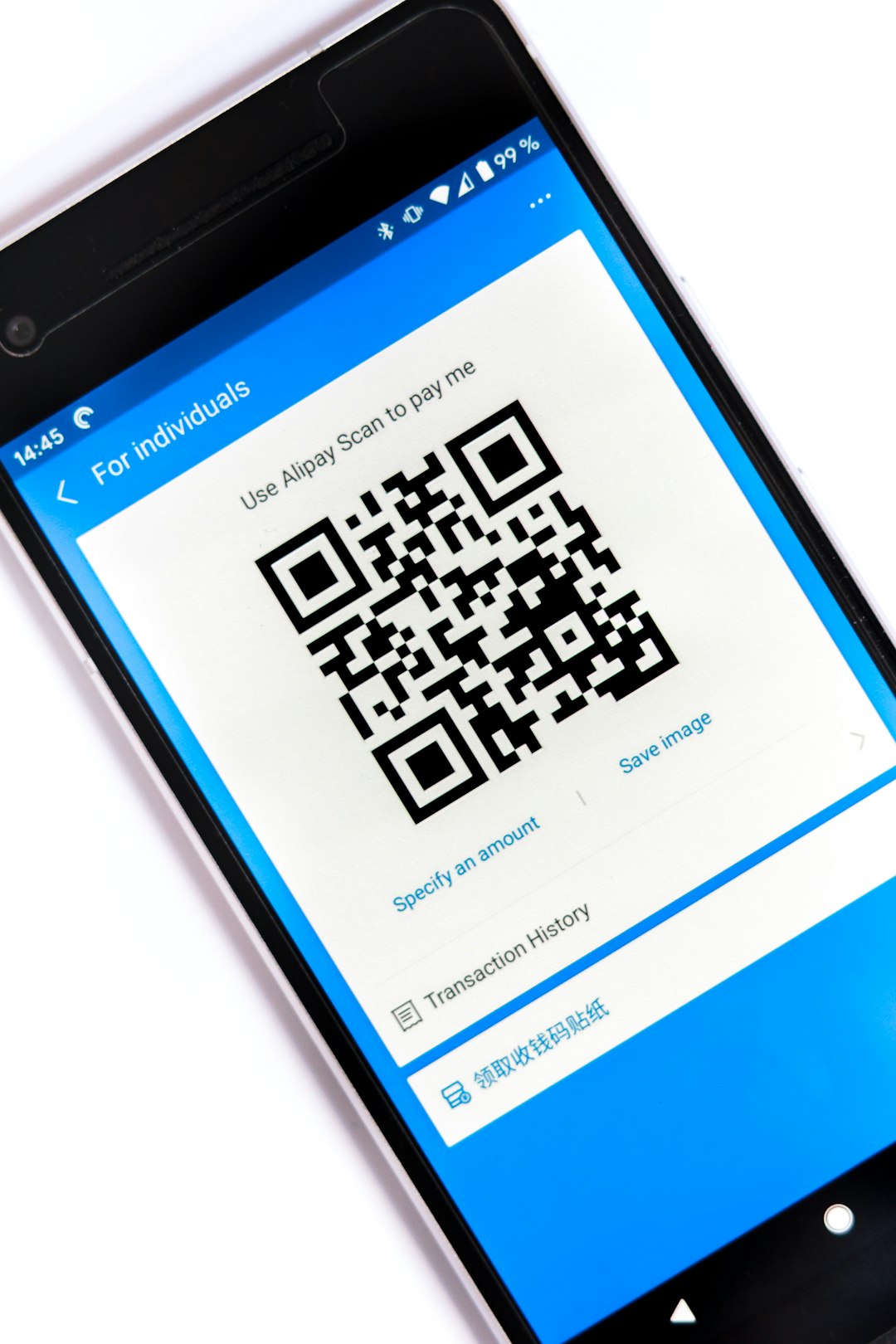
While primarily known for DIY graphic design, Canva also offers printable business cards and QR code integration. You can create a design, generate a code linking to your digital portfolio, and send it off for printing—all in one smooth workflow.
Best for: Solopreneurs and small business owners looking for a budget-friendly and hands-on solution.
-
7. Linq – Link-First Business Cards
Like Popl and Blinq, Linq is centered around smart digital sharing. What sets it apart is its focus on link-first networking—meaning your card acts as a gateway to a fully customizable landing page. It even supports video embeds and social proof widgets.
Best for: Local service providers and freelancers who want to showcase their work instantly.
-
8. Zapped – Virtual Cards for Physical Printing
Zapped allows you to design an interactive virtual contact page and generate a QR code to link to it. Use any standard business card printing service to add this QR, essentially turning a basic print into a digital-touch card. Their dashboard includes analytics and CRM integrations.
Best for: Business owners looking to bridge printed promotions like flyers and business cards with lead capture forms.
Common Features You Should Look For in Hybrid Card Tools
- QR Code Generation: Enables users to scan and instantly connect to websites, contact forms, or download contact details.
- NFC Integration: Tap-to-share technology adds a wow factor and simplifies mobile networking.
- Customization Options: From icons and fonts to logos and layouts—your personality needs to shine through.
- Analytics & Insights: Know how often your cards are being viewed or used to follow up strategically.
- CRM Integration: Link cards directly to lead generation or contact capture forms for future nurturing.
How Local Businesses Are Using Hybrid Cards Successfully
From real estate agents to personal chefs, local business owners are combining offline charm with digital ease. For example, property managers are handing out printed cards at open houses embedded with QR codes that lead to portfolios or scheduling tools. Fitness trainers are using NFC cards during gym sessions to share personalized plans. Even flower shop owners are attaching QR-labeled cards to bouquets as a way to capture customer reviews.
Hybrid cards don’t just serve as contact tools; they become marketing assets with measurable ROI.
Getting Started: Tips for Choosing the Right Tool
If you’re new to the hybrid model, here are a few tips to help you select a tool that aligns with your business goals:
- Choose a platform that matches the tone and branding of your business—minimalist, luxury, bold, creative, etc.
- Look for platforms that offer seamless updates—so you’re not reprinting cards every time you change your number or website.
- If you’re testing the waters, start with a mix-and-match method (e.g., Vistaprint + HiHello QR codes) to see what resonates with your audience.
- Track engagement using platforms like Blinq or Zapped to evaluate the effectiveness of your cards.
Conclusion
Hybrid business cards are more than just contact tools—they’re evolving into versatile networking platforms. For local businesses looking to extend their reach, stay memorable, and streamline follow-up connections, combining elegant printing with digital elements is a smart, scalable strategy. Leveraging tools like Popl, HiHello, and Canva allows entrepreneurs to fuse the power of physical engagement with the speed and analytics of digital outreach.
So the next time you hand out a business card, make sure it’s working twice as hard—online and offline.
