

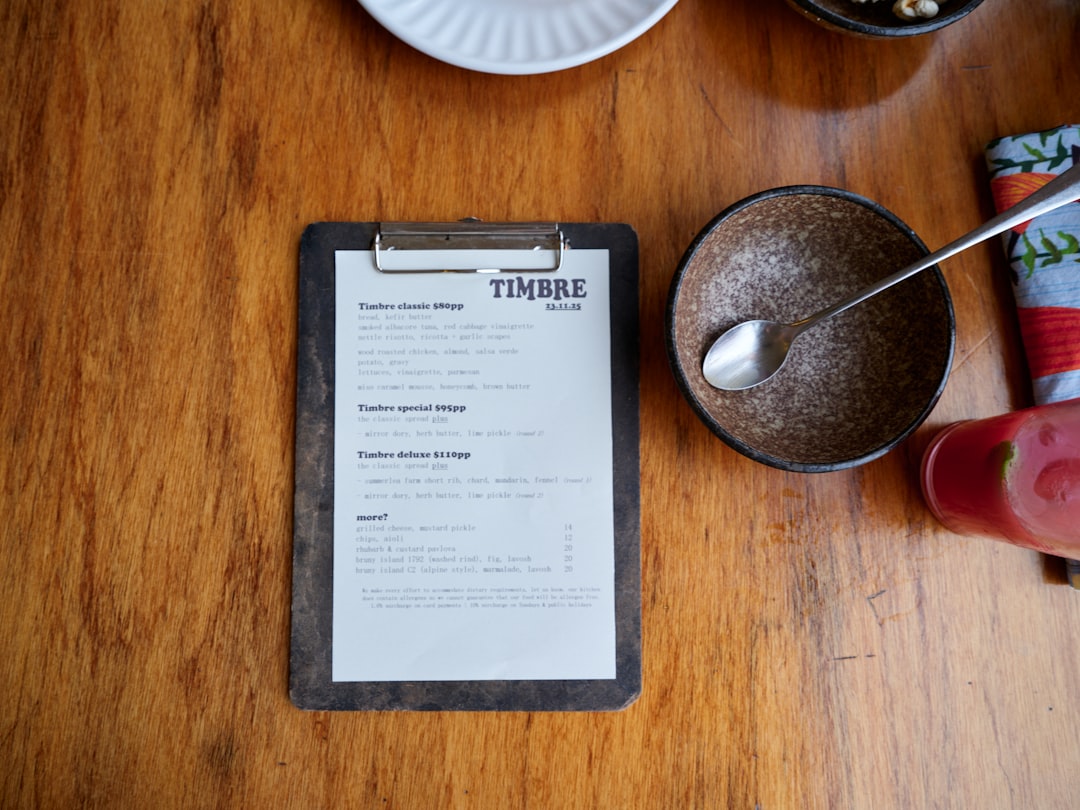
QR codes are everywhere. On café tables. On food trucks. On posters. On payment screens. You scan. You tap. You’re done. Simple. But behind every smooth scan is a tool that made that QR code possible.
If you run a restaurant, sell products, teach classes, or just want to share a link fast, QR code tools can save you time and money. The best part? Many are easy. Really easy.
TL;DR: QR code tools help you share menus, links, and payment pages fast. Some are free. Some offer deep customization and tracking. The best choice depends on whether you want basic scans or detailed analytics. This guide breaks down the top tools in a fun and simple way.
What Can You Use QR Codes For?
More than you think.
- Digital menus for restaurants and cafés
- Payment links for fast checkout
- Event registrations
- WiFi access sharing
- Social media pages
- App downloads
- Google reviews pages
One little square. So many uses.
What Makes a Good QR Code Tool?
Not all tools are equal. Some just make a code. Others do much more.
Here’s what to look for:
- Ease of use – Can you create a code in minutes?
- Customization – Can you add colors and logos?
- Dynamic codes – Can you edit the link later?
- Tracking – Can you see scan stats?
- Download formats – PNG? SVG? PDF?
- Price – Free or paid?
Dynamic QR codes are game changers. They let you change the destination link without printing a new code. Perfect for menus and payments.
Top Tools That Help You Create QR Codes
Let’s look at some of the best tools available today. Simple breakdown. No fluff.
1. QR Code Generator (The Generalist)
Great for beginners.
This tool offers:
- Free static QR codes
- Dynamic QR codes (paid plans)
- Color and logo customization
- Scan analytics
- Menu and payment integrations
It’s an all-around option. Clean dashboard. Easy steps.
Best for: Small businesses and restaurants starting with digital menus.
2. The QR Code Generator by Bitly
If you already use Bitly for short links, this is convenient.
It combines:
- Link shortening
- QR creation
- Click tracking
- Branded links
It’s strong on analytics. You can see both scans and clicks.
Best for: Marketing campaigns and link tracking.
3. Canva QR Code Tool
Design meets function.
Canva lets you:
- Create a QR code inside your design
- Add it to posters, menus, business cards
- Download high-quality prints
But. These are usually static codes. No editing later.
Best for: Beautiful printed menus and flyers.

4. Beaconstac
This one is powerful.
It offers:
- Dynamic QR codes
- Advanced analytics
- Retargeting tools
- Custom domains
- Bulk generation
It’s more business-focused. Pricing reflects that.
Best for: Medium to large businesses that want serious data.
5. Uniqode (formerly Beaconstac QR)
Another strong option for enterprises.
- Editable QR destinations
- High-level security
- Team collaboration
- API access
Think scale. Think franchise restaurants. Think global campaigns.
Best for: Large-scale operations and payment integrations.
6. PayPal and Stripe QR Codes
For payments, these shine.
Both platforms allow you to:
- Create payment-specific QR codes
- Accept contactless payments
- Track transactions
No third-party platform needed.
Customers scan. They pay. Done.
Best for: Vendors, food trucks, and service providers.
Comparison Chart
| Tool | Best For | Dynamic Codes | Analytics | Customization | Free Plan |
|---|---|---|---|---|---|
| QR Code Generator | Small businesses | Yes (paid) | Yes | Good | Yes |
| Bitly QR | Marketing campaigns | Yes | Strong | Moderate | Limited |
| Canva | Print designs | No | No | Excellent | Yes |
| Beaconstac | Mid-large businesses | Yes | Advanced | Strong | Trial |
| Uniqode | Enterprises | Yes | Advanced | Strong | No |
| PayPal/Stripe | Payments | Limited | Transaction based | Basic | Yes |
Best Tools for Restaurants
If you’re creating a QR code menu, you need:
- Editable links
- Easy updates
- Scan tracking (optional)
- Print-ready downloads
Top picks:
- QR Code Generator
- Beaconstac
- Canva (for design-heavy menus)
Pro tip: Upload your menu as a web page, not just a PDF. It loads faster on phones.
Best Tools for Sharing Links
Maybe you’re sharing a:
- Portfolio
- YouTube video
- Event page
- Google Form
You probably need:
- Basic analytics
- Easy creation
- Free options
Top picks:
- Bitly QR
- QR Code Generator free plan
- Canva for quick designs
Keep it simple. Clean black and white works best for scanning.
Best Tools for Payments
If money is involved, security matters.
Look for:
- Secure checkout pages
- Trusted payment processors
- Transaction tracking
Top picks:
- PayPal QR codes
- Stripe QR payment links
- Uniqode for integrated business checkout
Print it near your register. Or display it on a tablet.
Tips for Creating Better QR Codes
Not all QR codes get scanned equally.
Follow these simple rules:
- Test before printing
- Use high contrast colors
- Add a short instruction like “Scan to view menu”
- Keep enough white space around the code
- Use vector format (SVG) for large prints
And very important.
Don’t make the code too small.
A good rule? At least 2 x 2 cm for print materials.
Static vs Dynamic QR Codes
This confuses people. Let’s make it easy.
Static QR Code:
- Fixed destination
- Cannot be edited
- Usually free
Dynamic QR Code:
- Editable link
- Scan tracking
- Often paid
If you’re printing 500 menus, go dynamic. Trust me. Reprinting is expensive.
Are Free QR Code Tools Enough?
Sometimes yes. Sometimes no.
Free is enough if:
- You need one simple link
- You don’t need analytics
- You won’t change the destination
Paid is better if:
- You manage multiple locations
- You run promotions
- You want scan data
- You update menus often
Think long term. Not just today.
Final Thoughts
QR codes are no longer “extra.” They’re expected.
Customers like speed. They like contactless. They like convenience.
The good news? You don’t need technical skills. Most tools are drag-and-drop simple.
If you’re a small café, start small. Try a free generator. Test it. See how customers respond.
If you’re running campaigns or multiple branches, invest in dynamic tools with analytics.
And if payments are your priority, go with trusted platforms like PayPal or Stripe.
One square. Endless possibilities.
Create it. Print it. Share it.
And let the scans begin.
