

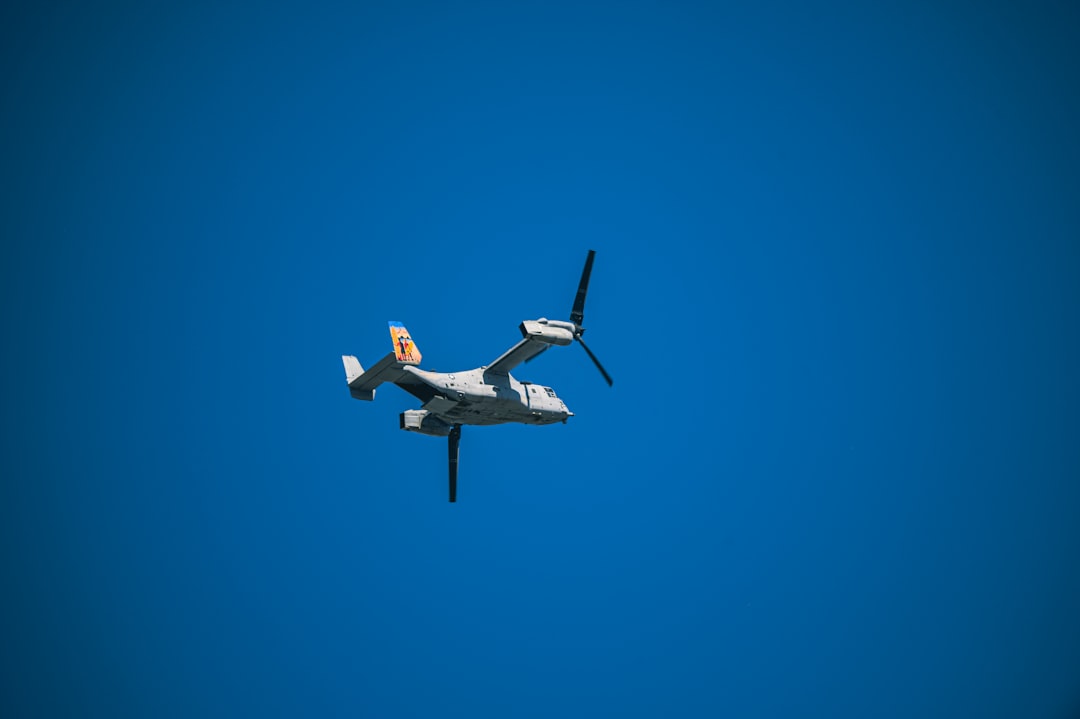
Drones have revolutionized the world of photography, unlocking stunning perspectives once reserved for helicopters or the most daring climbers. Whether you’re a hobbyist capturing sweeping landscapes or a professional adding cinematic flair to client showcases, learning how to master drone photography can elevate your portfolio to breathtaking heights. However, merely owning a drone isn’t enough—you need the right combination of skill, knowledge, and creativity. That’s where this complete guide comes in.
TLDR (Too Long; Didn’t Read)
Drone photography gives you the power to capture unique, aerial perspectives that traditional cameras can’t reach. To maximize your results, you need the right drone, a solid understanding of manual camera settings, and good post-processing skills. Legal knowledge and safe operating practices are crucial, too. This guide walks you through everything from choosing your drone to editing your final shots.
Why Drone Photography is a Game Changer
Drones have opened a new dimension in photography, offering angles and compositions previously inaccessible.
They allow for:
- Bird’s-eye views of cityscapes, landscapes, and events
- Cinematic movement in videos with smooth panning and tracking
- Hard-to-reach shots without physical danger or extensive gear
Simply put, a drone camera can help you tell more powerful visual stories. But not all drones are created equal. The journey starts with the right equipment.
Choosing the Right Drone for Photography
Before taking to the skies, you need to choose the drone that suits your needs and skill level. Here are the key features to consider:
- Camera Quality: Look for 4K resolution, large sensors, and RAW photo support.
- Gimbal Stabilization: A 3-axis gimbal ensures smooth footage and sharp photos.
- Flight Time: Aim for drones with at least 20–30 minutes of battery life per charge.
- Portability: Travel photographers benefit from foldable, lightweight drones.
- Obstacle Avoidance: Intelligent sensors can prevent crashes and enable complex shots.
Popular models like the DJI Air 2S, DJI Mavic 3, and Autel EVO Lite+ all offer high-end camera specs at varying price points depending on your budget.
Mastering Manual Settings
Just like with a DSLR or mirrorless camera, understanding manual settings is essential for stunning drone shots. Here’s a rundown of what each setting does and how to use it:
- ISO: Controls the sensor’s sensitivity to light. Keep it as low as possible (e.g., ISO 100) to avoid noise.
- Shutter Speed: Determines motion blur or sharpness. Faster speeds freeze action; slower speeds allow for creative blurs.
- Aperture: Though many drones have fixed apertures, some allow changes. Wider apertures (f/2.8) give a shallow depth of field, great for highlighting subjects.
- White Balance: Proper white balance ensures accurate color tones, especially during golden hour or in snowy conditions.
- Focus: Many drones allow you to manually focus—tap on the subject on-screen or use focus peaking tools.
Practice manual settings during different lighting conditions to build confidence before a serious shoot.
Composing the Perfect Shot
Photographers know that composition makes or breaks an image. The same applies to aerial photography. Here are some composition tips specifically for drone work:
- Rule of Thirds: Place points of interest along the gridlines or intersections.
- Leading Lines: Roads, rivers, or pathways can direct the viewer’s eye through the image.
- Symmetry and Patterns: Drones reveal symmetry that’s often invisible from the ground. Use it!
- Foreground Interest: Elevate your photos with layers—combine foreground elements with distant vistas.
Don’t be afraid to experiment. Sometimes the most striking shots are discovered by breaking the rules slightly.
Editing and Post-Production
Editing is where your photos truly come alive. Shooting in RAW format gives you more flexibility in post-processing. Use software like Lightroom or Photoshop to:
- Adjust Exposure: Bring out detail in shadows and highlights.
- Enhance Colors: Bring vibrancy to greens, blues, and skies without going overboard.
- Correct Lens Distortion: Some drone lenses create barrel distortion—fix this easily in post.
- Crop & Straighten: Ensure the horizons are level and compositions are tight.
Presets or filters can speed up your workflow, but always customize depending on the image style and lighting.
Video Tips for Drone Cinematics
If you’re looking to venture into drone videography as well, pay close attention to these settings and techniques:
- Resolution: Shoot at 4K for professional-quality footage.
- Frame Rate: Use 24fps for cinematic feel, while 60fps or higher is ideal for slow motion.
- ND Filters: Helps reduce shutter speed for natural motion blur in bright conditions.
- Flight Modes: Use “Cine Mode” or similar for slow, smooth movements.
- Storyboard Planning: Just like ground videography, have a plan for sequences, transitions, and subjects.
Use orbit shots, crane lifts, or forward tracking to add drama and engagement to your aerial clips.
Understanding Drone Laws and Safety
Mastering photography is only one part of the equation—knowing how, where, and when to fly legally and safely is essential.
- Know Your Local Laws: Countries have different drone regulations. In the U.S., you must register your drone with the FAA.
- No-Fly Zones: Use apps like AirMap or DJI FlySafe to check for restricted airspace.
- Always Maintain Line-of-Sight: Even with FPV views, you must be able to see your drone physically.
- Weather Awareness: Avoid flying in high winds, rain, or near airports.
- Respect People’s Privacy: Always get consent if you’re flying near private property or people.
Getting certified (such as the FAA’s Part 107 in the United States) can open up more professional opportunities and builds credibility.
Top Drone Apps Every Photographer Should Use
Maximize both safety and creativity with these must-have apps:
- DroneDeploy: Great for automated flights and mapping.
- Litchi: Offers advanced flight planning for cinematic shots.
- SkyWatch.AI: Get instant insurance options per flight.
- PhotoPills: Helps plan your shoots, from sun position to Milky Way tracking.
Using the right app can mean the difference between a missed opportunity and a portfolio-worthy masterpiece.
Final Thoughts
Drone photography combines the thrill of flight with the artistry of visual storytelling. With careful planning, practiced technique, and a keen eye for composition, anyone—from amateur to pro—can dramatically improve their work. Remember to respect the skies and your local regulations, and don’t stop experimenting. The next great shot may just be a few hundred feet above you.
Now take off, shoot high, and capture the world from a brand-new angle.
