

Many older cameras, DVDs, and downloads still use MPG files, and some include something called Advanced Simple Profile (ASP). Newer devices, apps, and websites use MP4 instead. If you’re trying to pick the better format or want to convert between them, the differences can feel confusing. This guide explains both formats in simple steps and shows how to switch from MPG to MP4 or the other way around.
What MPG and Advanced Simple Profile Mean?
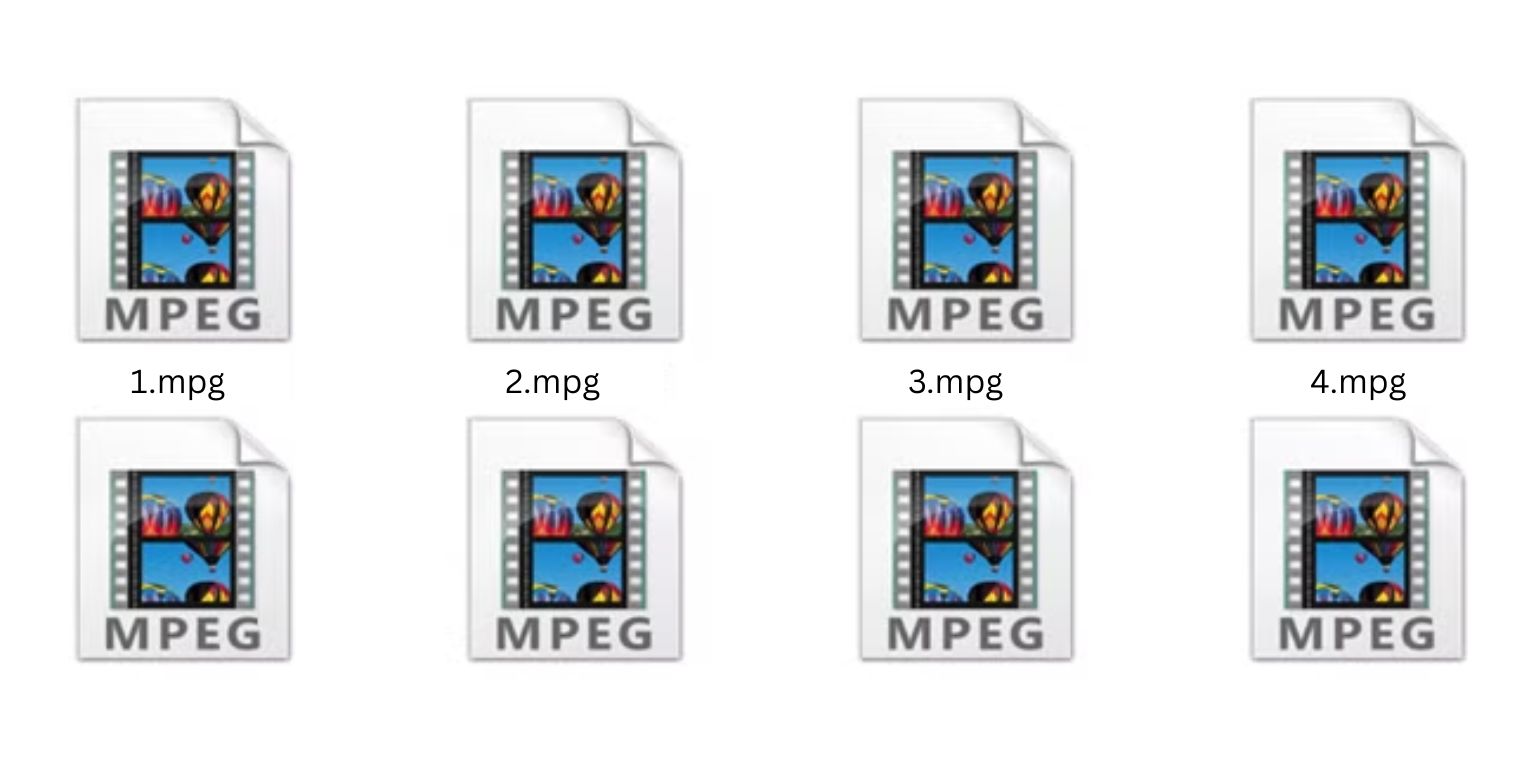 MPG is an older video format based on MPEG-2 and early MPEG-4 standards. It was common in DVD players, older cameras, and early download sites. Some MPG videos were encoded with Advanced Simple Profile, which is a profile inside MPEG-4. ASP compressed video better than MPEG-2, but it still produced larger files than modern formats.
Today, ASP and old MPG files show their age. They work on many players but take up more space and don’t compress as efficiently.
What is MP4?
MP4 is a modern video container that works with many codecs. Most MP4 videos use:
- H.264
- H.265
These codecs shrink file size while keeping good quality. MP4 plays smoothly on phones, TVs, browsers, laptops, and editing apps. That’s why it became the main format for streaming, sharing, and storing videos.
Main Differences Between MPG and MP4
Here are the key differences in one place:
- File size: MP4 files are smaller.
- Quality: MP4 keeps higher quality at lower bitrates.
- Compatibility: MP4 works on almost all devices.
- Editing: MPG is easier for older editors, but MP4 is supported by modern tools.
- Streaming: MP4 streams better over low-bandwidth connections.
- Compression: MP4 uses advanced compression, while MPG uses older methods.
MP4 gives better efficiency almost every time.
After seeing these differences, it is clear that MPG is a legacy format, while MP4 meets modern needs.
Which One Is Better?
 For most users, MP4 is the better choice. It saves storage space, plays on nearly everything, and uploads well to social media and cloud services. Streaming platforms and mobile devices also prefer MP4 because it handles weak connections better.
MPG still matters in a few cases. Some editing systems, DVD workflows, or older broadcast tools prefer MPG files. If you work with such devices, keeping an MPG version might help. But for watching, sharing, or storing video, MP4 is simpler and lighter.
When You Should Use MPG
There are a few times when MPG remains useful:
- older video editors that expect MPEG-2
- DVD creation tools
- older set-top boxes
- legacy broadcast systems
- converting footage from old cameras without re-encoding
If you don’t work with older hardware or software, you won’t need MPG.
How to Convert MPG to MP4
You can convert MPG to MP4 using simple tools. Here is the easiest path:
- Install HandBrake.
- Open your MPG file.
- Pick MP4 as the output format.
- Choose the H.264 codec.
- Adjust quality if needed.
- Click Start Encode.
You can also use FFmpeg with one command or an online converter if you don’t want to install software. HandBrake is suitable for beginners and produces clean output with good file sizes.
How to Convert MP4 to MPG
You only need to convert MP4 to MPG if an older device or program refuses to read MP4. The steps are similar:
- Open a converter → Choose your MP4 file → Pick MPG or MPEG-2 → Start the conversion.
This process increases the file size, and quality may drop slightly due to older compression rules.
Best Tools for Converting
Here are reliable tools that work on most computers:
- HandBrake
- VLC Media Player
- FFmpeg
- online converters
HandBrake offers the simplest interface. VLC is great for quick conversions. FFmpeg is powerful for batch jobs. Online converters help when you only convert one or two files.
Tips for Getting Good Quality During Conversion
To keep your video looking clear, try these tips:
- choose the H.264 codec for MP4
- keep bitrates reasonable
- don’t upscale resolution
- avoid converting the same file many times
Following these steps helps keep your video sharp without creating a huge file.
Final Notes
MPG and ASP were useful years ago, but MP4 works better for most modern devices. Converting old MPG videos to MP4 makes them easier to store, play, and share. If you want help choosing settings or converting other video formats, feel free to ask and share the files you’re working with.
