

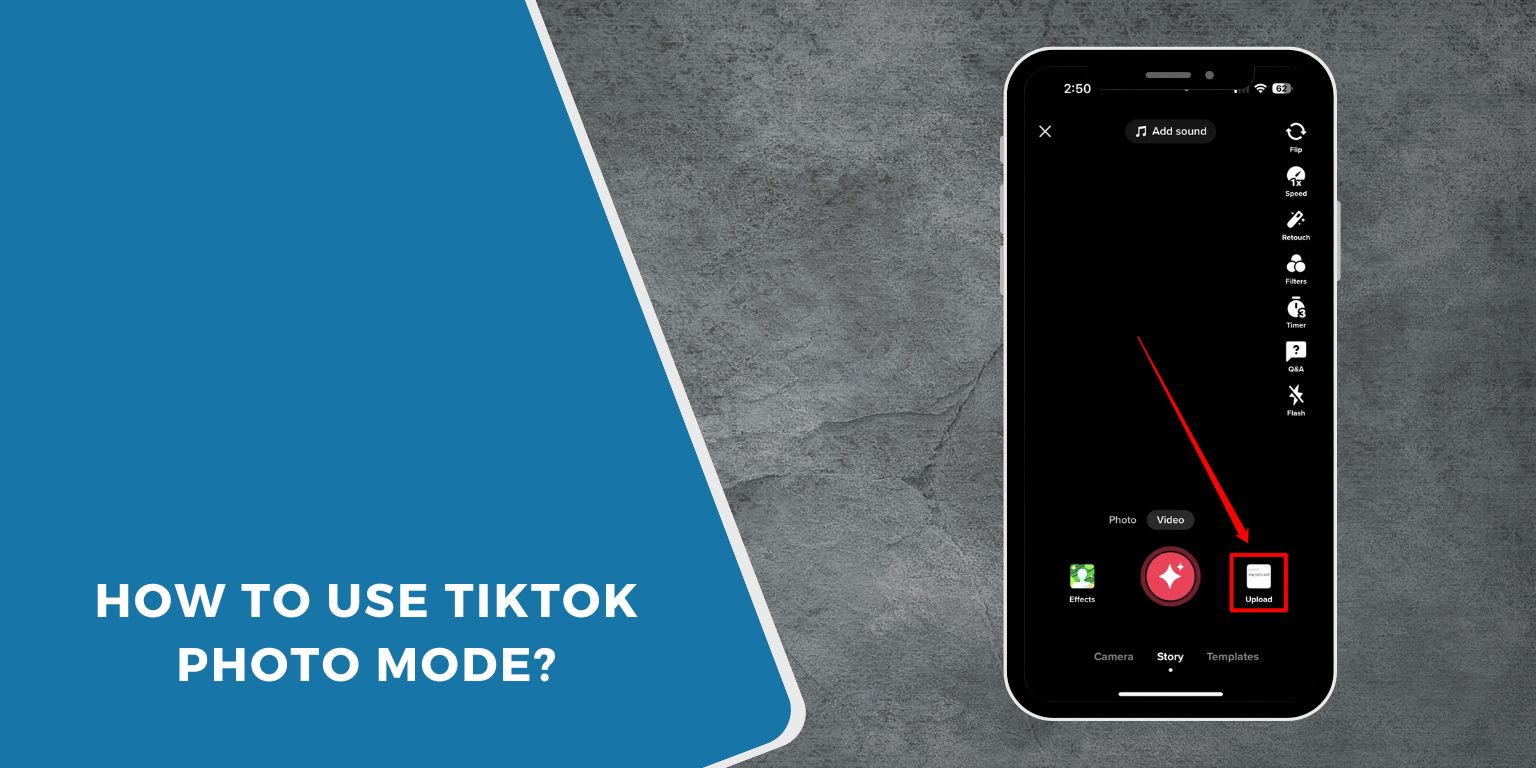
TikTok is known for videos, but it also has a tool called Photo Mode. This lets you post photos in a smooth scrolling style. It feels like a slideshow and works well for step-by-step pictures, travel shots, products, or simple photo stories. Many creators use it because it is quick and easy.
Here is a straightforward guide to using TikTok’s Photo Mode.
What is TikTok Photo Mode?
Photo Mode is a feature in the TikTok app that lets you upload multiple photos in a single post. TikTok shows the photos in a carousel that moves on its own. You can add music, filters, text, and hashtags just like you do with videos.
It is almost like posting an album, but with TikTok-style effects.
How to Create a Photo Mode Post?
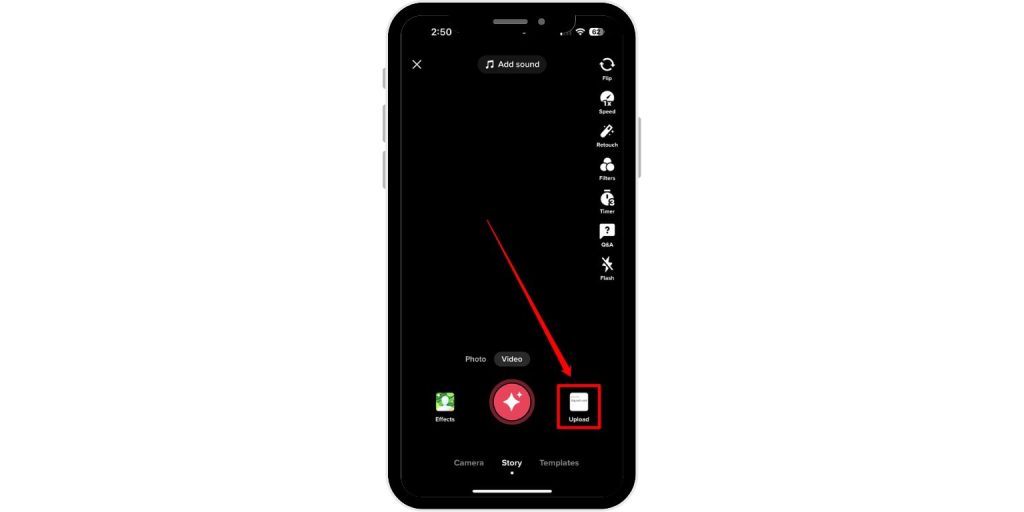 Follow these steps to make your first Photo Mode post.
- Open the TikTok app.
- Tap the plus button to create a new post.
- Tap Upload at the bottom of the screen.
- Select the photos you want from your gallery.
- TikTok will show a Photo Mode preview.
- Tap Next to enter the editor.
- Add your final details and tap Post.
The number of photos you choose will decide how long the post scrolls.
How to Add Music, Filters, and Captions
TikTok gives you many tools to style your Photo Mode post. Here are the basics.
- Add music by tapping the Sounds button
- Use filters to change the look of your photos
- Add text by tapping the Text tool
- Use stickers or emojis for fun ideas
- Add hashtags so more people can find your post
Music plays through the full slideshow, so pick a track that matches the mood of your photos.
How to Reorder or Remove Photos
If your photos are in the wrong order, you can fix them before posting.
- In the editor, tap the small photo icons at the bottom.
- Hold and drag a photo to move it.
- Tap the delete icon to remove a photo.
- Add more photos if you missed one.
This helps you build a smooth photo story.
Extra Tips for Better Photo Mode Posts
Here are simple ideas to make your Photo Mode posts look better.
- Use bright photos with good lighting
- Keep pictures in the same style for a clean look
- Choose music that fits the story
- Add short text to explain what is happening
- Use hashtags that match your topic
- Keep the order easy to follow
Small steps like these help your post reach more people on the For You Page.
Final Thoughts
TikTok’s Photo Mode is simple and fun. It gives you a fast way to share pictures with music and style. If you want to post more than just videos, Photo Mode is a great way to try something new.
If this guide helped you, feel free to share it or leave a comment.
