

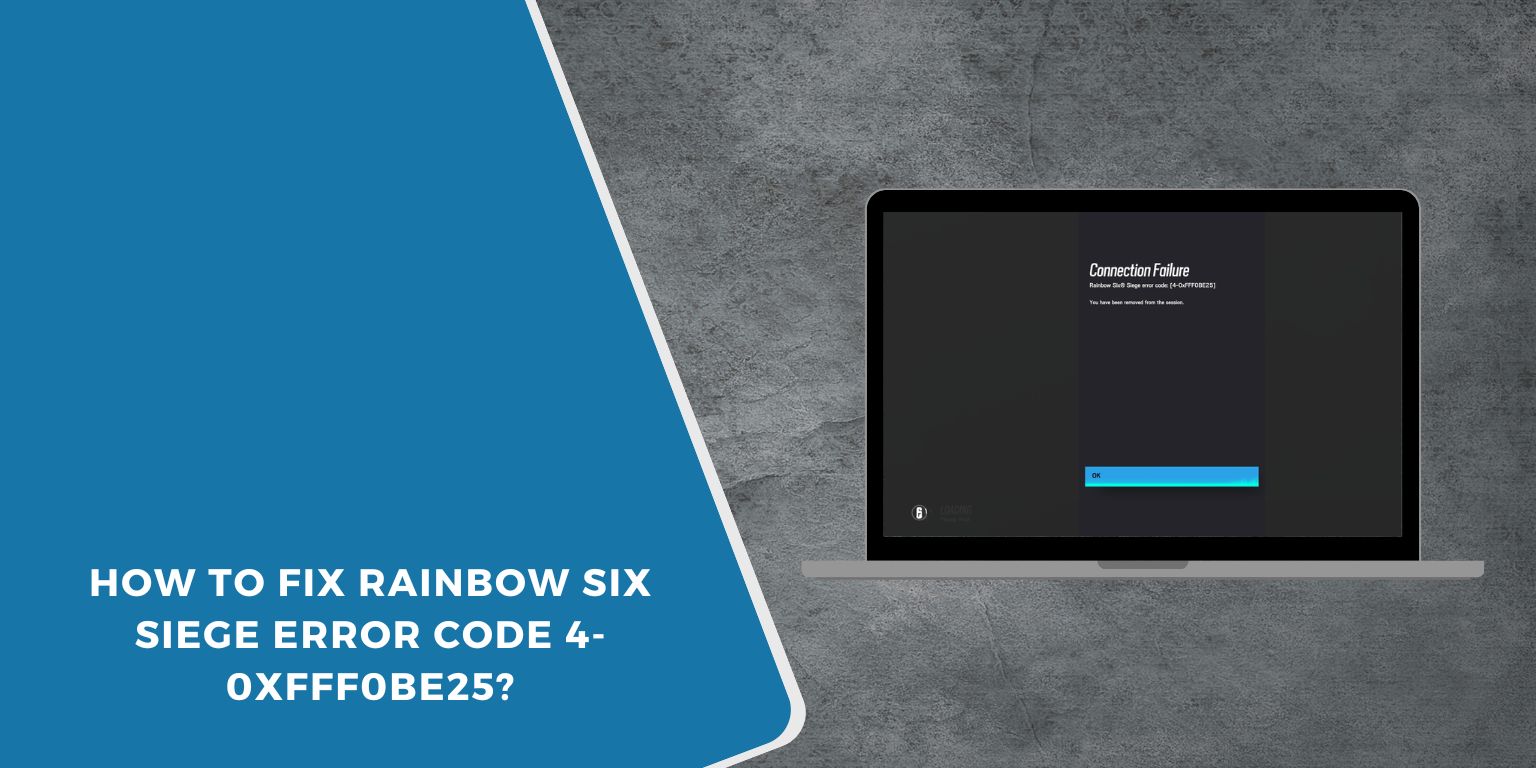
You launch Rainbow Six Siege, expect to jump into a match, and suddenly the screen shows error code 4-0xfff0be25. The game stops connecting to the servers and matchmaking fails. That moment feels frustrating, especially when your internet seems to work fine for other apps.
This error usually appears when the game cannot communicate with Ubisoft servers through the Ubisoft Connect service. The problem may come from network settings, temporary server issues, or connection interruptions between your system and Ubisoft’s online services. In this guide you will learn what Rainbow Six Siege error code 4-0xfff0be25 means, why it happens, and several ways to fix it so you can reconnect to the game.
What Is Rainbow Six Siege Error Code 4-0xfff0be25?
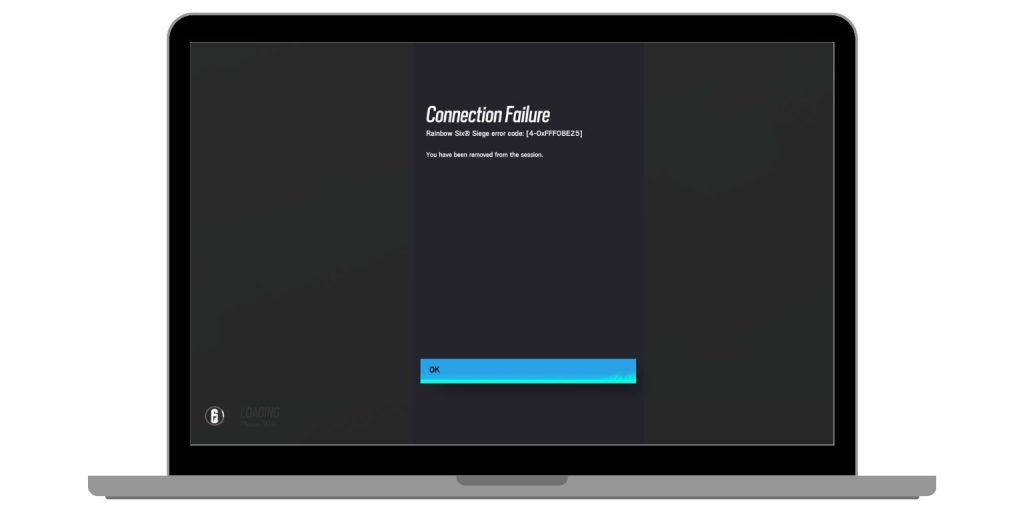 Error code 4-0xfff0be25 in Rainbow Six Siege indicates that the game failed to establish a stable connection with Ubisoft online services. The multiplayer system in Rainbow Six Siege depends on continuous communication with Ubisoft servers for player authentication, matchmaking, and session management. When the game client cannot send or receive data properly, the server rejects the connection request and the error appears. Several network factors may interrupt this communication.
The issue might come from unstable internet connectivity, DNS resolution problems, router restrictions, or security software blocking network traffic. Sometimes the problem occurs when Ubisoft servers experience heavy traffic or scheduled maintenance. Because the game relies heavily on online infrastructure, even a short disruption can trigger the connection failure.
Common Causes of Rainbow Six Siege Error Code 4-0xfff0be25
This error normally relates to connectivity problems between your device and Ubisoft’s online services. Several factors may interrupt that connection.
Common causes include:
- Temporary Ubisoft server outage or maintenance
- Unstable or slow internet connection
- Router configuration problems affecting online traffic
- Firewall or antivirus blocking Ubisoft services
- Incorrect DNS server configuration
- Strict NAT type preventing multiplayer connections
- Temporary network interruptions during gameplay
Many of these issues come from network settings rather than the game itself.
How to Fix Rainbow Six Siege Error Code 4-0xfff0be25?
Different solutions may work depending on the source of the connection problem. The following fixes help restore communication between your system and Ubisoft servers.
Fix #1 Restart the Game
Sometimes the game client temporarily loses connection with Ubisoft services. Restarting the game refreshes the connection.
Follow these steps.
- Close Rainbow Six Siege
- Exit the Ubisoft Connect client
- Wait a few seconds
- Launch Ubisoft Connect again
- Start the game and reconnect
Restarting the game often resolves short connection interruptions.
Fix #2 Check Ubisoft Server Status
Occasionally the problem comes from Ubisoft itself rather than your network.
To check the server status:
- Visit the Ubisoft server status website
- Locate Rainbow Six Siege
- Confirm that online services are operational
If the servers are under maintenance, waiting until they return online is the only solution.
Fix #3 Restart Router and Modem
Network devices sometimes develop connection errors. Restarting the router resets the internet connection.
Follow these steps.
- Turn off your router
- Unplug the modem
- Wait about 30 seconds
- Plug the modem back in
- Turn on the router again
Once the internet reconnects, try launching the game again.
Fix #4 Test Internet Connection
A weak or unstable connection can interrupt communication with the game servers.
Try checking the connection:
- Run an internet speed test
- Confirm stable download and upload speeds
- Check that the connection is not dropping
- Pause heavy downloads or streaming services
Stable internet performance improves multiplayer connectivity.
Fix #5 Change DNS Settings
DNS servers translate web addresses into server locations. If the DNS server responds slowly or incorrectly, the game may fail to reach Ubisoft services.
You can change DNS settings to public servers such as:
- Google DNS: 8.8.8.8 and 8.8.4.4
- Cloudflare DNS: 1.1.1.1
Steps usually include:
- Open system network settings
- Select your active connection
- Edit DNS settings
- Enter the new DNS addresses
- Save and restart the connection
Many players resolve connection errors after switching DNS servers.
Fix #6 Disable Firewall or Security Software Temporarily
Some firewalls or antivirus programs block network requests from games. This can interrupt Ubisoft server communication.
Try temporarily disabling the firewall or security software, then launch the game again. If the connection works, add Rainbow Six Siege and Ubisoft Connect to the firewall exception list.
Fix #7 Verify Game Files
Corrupted game files can sometimes cause unexpected connection problems.
Follow these steps depending on your platform.
For Ubisoft Connect:
- Open Ubisoft Connect
- Select Rainbow Six Siege
- Choose Properties
- Click Verify Files
For Steam:
- Open Steam Library
- Right click Rainbow Six Siege
- Select Properties
- Choose Verify integrity of game files
The client will replace missing or corrupted files.
Fix #8 Check NAT Type and Port Forwarding
Online multiplayer games often require an Open or Moderate NAT type. A strict NAT configuration can block communication with game servers.
To improve NAT type:
- enable UPnP in router settings
- configure port forwarding for Ubisoft services
- check console network settings if playing on PlayStation or Xbox
Adjusting NAT settings helps multiplayer games connect properly.
Prevention Tips to Avoid Error 4-0xfff0be25
Keeping your network stable helps prevent connection errors while playing online games.
Consider these practices:
- maintain a stable internet connection
- restart the router occasionally
- keep Ubisoft Connect and game updates installed
- monitor Ubisoft server announcements
- configure proper NAT type
- avoid heavy network usage during gameplay
- ensure firewall rules allow Ubisoft services
Good network stability reduces multiplayer connection issues.
Conclusion
Rainbow Six Siege error code 4-0xfff0be25 usually appears when the game cannot maintain communication with Ubisoft servers. The issue often results from network interruptions, DNS configuration problems, router restrictions, or temporary server outages. Because Rainbow Six Siege relies heavily on online multiplayer infrastructure, stable connectivity is essential.
Most players resolve the error by restarting the game, checking server status, restarting their router, changing DNS settings, or verifying game files. If the problem continues, reviewing NAT configuration or firewall settings can help restore the connection.
If you have solved this error on your system, share your experience in the comments. Your solution may help another Rainbow Six Siege player reconnect to the game faster.
