

High-quality product photography can make or break an online store. But traditional photoshoots are expensive, time-consuming, and often require studios, lighting setups, and professional photographers. Thankfully, AI image generator tools have transformed the way brands create product photography mockups. With just a product shot and a well-written prompt, you can generate realistic lifestyle scenes, seasonal campaigns, and branded backgrounds in minutes.
TLDR: AI image generators now make it easy to create stunning product photography mockups without a physical photoshoot. Tools like Midjourney, DALL·E, Adobe Firefly, Canva Magic Media, and Placeit offer different strengths—from hyper-realistic scenes to easy drag-and-drop templates. These platforms save time, reduce costs, and allow endless creative experimentation. Choosing the right tool depends on your technical skill, budget, and branding needs.
Below, we explore five powerful AI image generator tools that can help you create professional product mockups, along with their strengths, use cases, and what makes each one stand out.
1. Midjourney
Best for: Ultra-realistic, artistic, and highly detailed product mockups
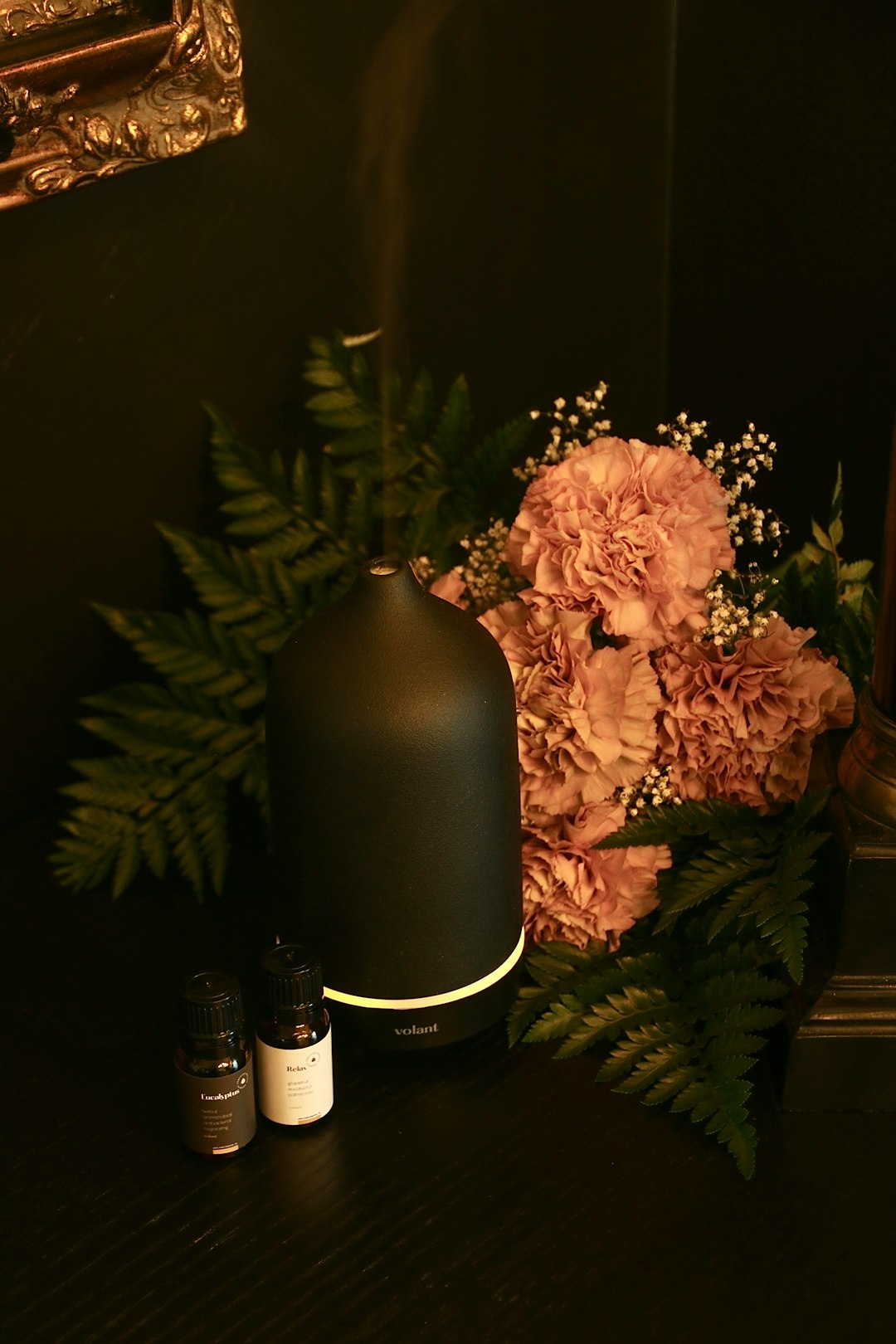
Midjourney is widely recognized for producing some of the most visually stunning AI-generated images available today. Hosted on Discord, it uses advanced generative models to turn text prompts into detailed visuals. When it comes to product mockups, Midjourney excels at generating lifestyle photography scenes, dramatic lighting setups, and luxury branding aesthetics.
For example, you can upload a simple product cutout—like a skincare bottle—and prompt the AI with: “minimalist bathroom counter, soft morning light, marble sink, high end skincare advertisement”. The result can look like a professionally styled photoshoot.
Key Features:
- Highly realistic lighting and textures
- Strong artistic control through detailed prompting
- Stylized and cinematic outputs
- High-resolution image downloads
Limitations: There is a learning curve, particularly with prompt writing. It also operates through Discord, which may feel unfamiliar to some users.
If your brand prioritizes luxury visuals or editorial-style mockups, Midjourney is a top-tier choice.
2. DALL·E
Best for: Precise product placement and easy editing
DALL·E, developed by OpenAI, is particularly useful for product photography mockups because of its inpainting and editing capabilities. You can upload an existing product photo and ask the AI to change or extend the background while keeping your product intact.
For instance, you can take a basic product image on a white background and ask DALL·E to “place this product on a wooden picnic table at sunset with warm natural lighting.” The system intelligently blends the product into the new environment.
Key Features:
- Upload and edit existing images
- Accurate object placement
- Consistent proportions and perspective
- Clean, commercial-style outputs
Limitations: While highly realistic, it may produce less dramatic artistic flair compared to Midjourney.
DALL·E is ideal for ecommerce sellers who want clean, believable product scenes without overly stylized effects.
3. Adobe Firefly
Best for: Brand-safe commercial content and Photoshop integration
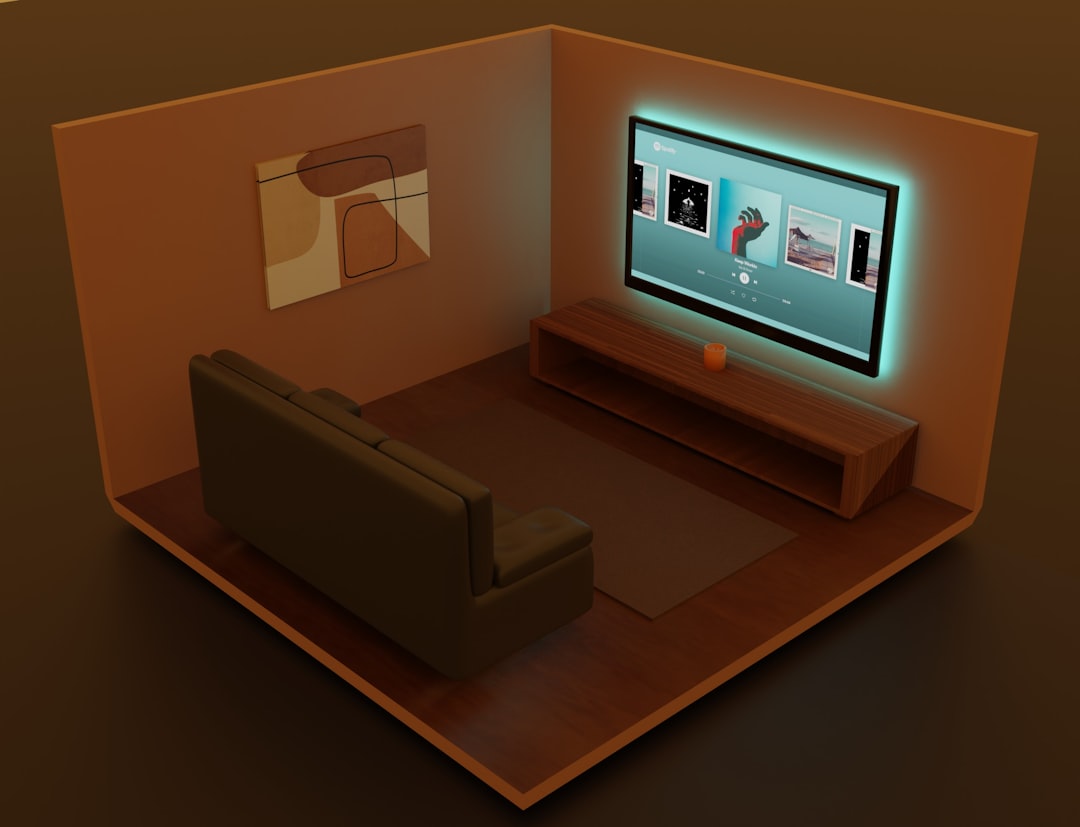
Adobe Firefly integrates directly into the Adobe ecosystem, including Photoshop. This makes it extremely powerful for designers who already work within Creative Cloud. You can generate AI backgrounds, expand canvases, and composite product shots directly into marketing materials.
One key advantage of Firefly is its focus on commercial-safe generative AI, making it appealing for brands concerned about licensing and copyright clarity.
Key Features:
- Generative Fill in Photoshop
- Text-to-image background generation
- Seamless editing tools
- Commercially focused AI model training
Limitations: Requires an Adobe subscription for full functionality.
If your workflow already includes Photoshop, Firefly can dramatically speed up product mockup creation without switching between platforms.
4. Canva Magic Media
Best for: Beginners and social media product visuals
Canva’s Magic Media AI image generator is built directly into the Canva design platform. While it may not reach the same hyper-realistic levels as Midjourney, it shines in ease of use.
Small business owners can generate product backgrounds, drop in their product image, and immediately design social posts, ads, or website banners—all in one place.
Key Features:
- Beginner-friendly interface
- Direct integration with marketing templates
- Fast mockup creation for ads and posts
- Drag-and-drop editor
Limitations: Less advanced realism compared to specialized AI art tools.
Canva is perfect for entrepreneurs and small brands who want quick, affordable, and usable mockups without technical complexity.
5. Placeit
Best for: Ready-made mockup templates powered by automation
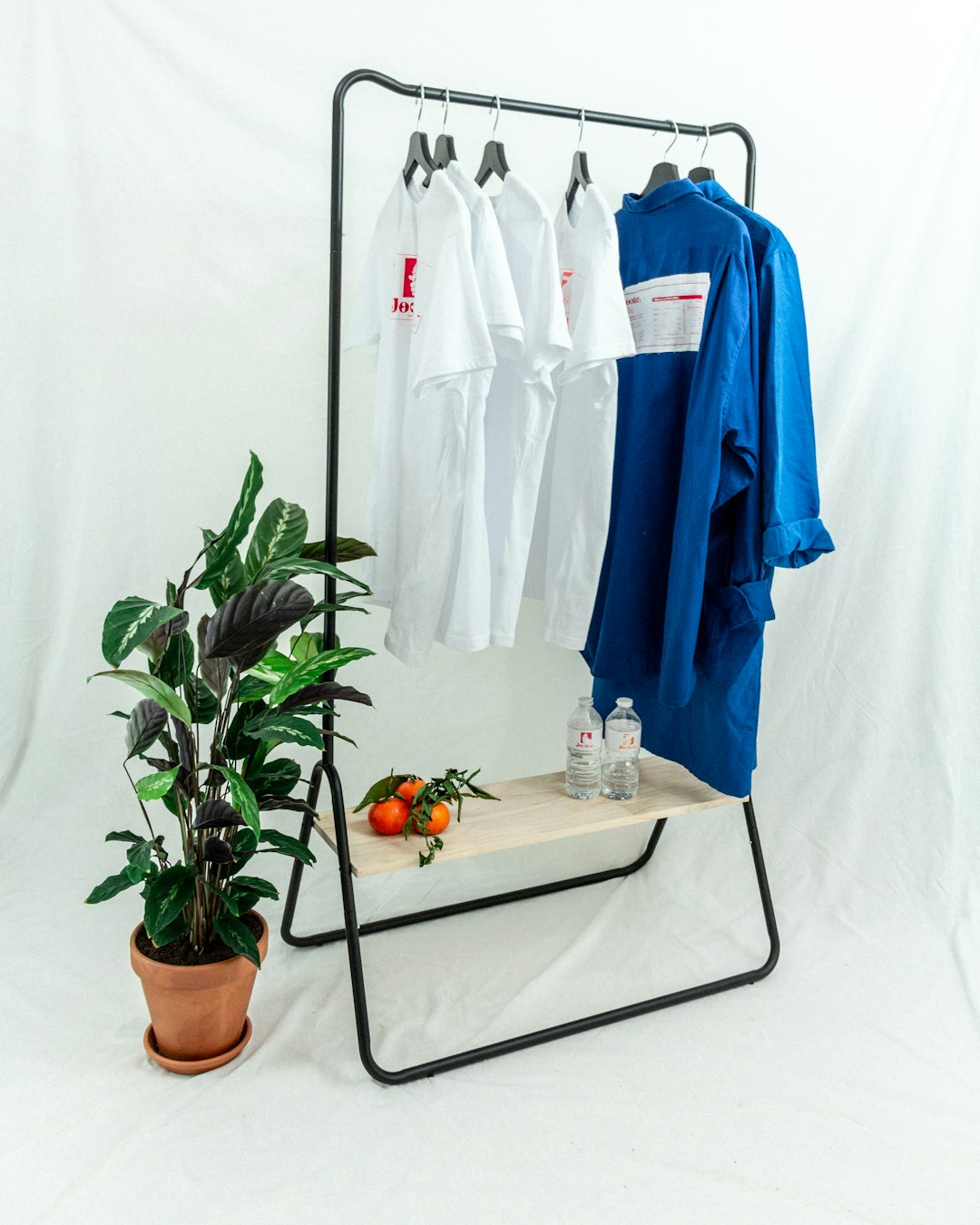
Placeit is slightly different from pure AI art generators. Instead of fully generating scenes from scratch, it offers thousands of pre-designed mockup templates for products such as apparel, mugs, phone cases, and packaging.
You simply upload your design, and Placeit automatically applies it to lifestyle scenes featuring real models or realistic environments.
Key Features:
- Extensive mockup template library
- No design skills required
- Fast customization
- Ideal for print on demand sellers
Limitations: Less creative flexibility compared to full AI image generators.
For print-on-demand sellers or ecommerce beginners, Placeit provides a quick, reliable shortcut to professional visuals.
Comparison Chart
| Tool | Best For | Ease of Use | Realism Level | Customization |
|---|---|---|---|---|
| Midjourney | Luxury and artistic mockups | Moderate | Very High | Very High |
| DALL·E | Product editing and scene placement | Easy | High | High |
| Adobe Firefly | Professional Photoshop workflows | Moderate | High | Very High |
| Canva Magic Media | Social media and beginners | Very Easy | Medium | Medium |
| Placeit | Template-based ecommerce mockups | Very Easy | Medium | Low to Medium |
How to Choose the Right Tool
When selecting an AI image generator for product photography mockups, consider the following:
- Budget: Some tools require subscriptions; others offer limited free tiers.
- Skill Level: Advanced tools offer more control but require better prompt writing.
- Brand Aesthetic: Luxury brands may prefer Midjourney, while ecommerce shops might lean toward DALL·E or Placeit.
- Workflow Integration: Designers using Adobe products benefit greatly from Firefly.
Another important consideration is image consistency. For brands needing cohesive campaign visuals, stick to one tool and develop consistent prompting techniques.
The Future of AI Product Photography
AI image generators are rapidly improving. We are already seeing better texture rendering, more accurate reflections, improved typography handling, and smarter object blending. Soon, brands may generate entire campaign shoots—complete with models, props, and dynamic lighting—without stepping into a studio.
This doesn’t mean traditional photography will disappear. Instead, AI mockups are becoming a cost-effective complement to real photoshoots. Brands can test ad creatives, experiment with themes, and validate marketing ideas before investing in physical production.
Ultimately, these five tools empower businesses of all sizes to compete visually in crowded online marketplaces. Whether you’re running a Shopify store, launching a new skincare line, or selling print-on-demand apparel, AI image generators give you the creative flexibility to produce stunning visuals at a fraction of traditional costs.
The result? Faster campaigns, lower expenses, and visually captivating product mockups that drive clicks and conversions.
