

SelfCAD has carved out a reputation as one of the most beginner-friendly 3D modeling tools on the market. After spending several weeks testing its features, experimenting with designs, and exploring its learning resources, I gathered practical insights that new users will genuinely appreciate. From intuitive design tools to built-in slicing for 3D printing, SelfCAD aims to simplify what can otherwise feel like a highly technical process.
TL;DR: SelfCAD stands out as a beginner-friendly 3D modeling tool with an intuitive interface, integrated slicing software, and strong educational resources. Its browser-based accessibility removes installation headaches, while its toolset strikes a balance between simplicity and creative flexibility. Although it may lack some advanced features found in professional-grade software, it excels as an entry point for creative learners and hobbyists. For beginners wanting an all-in-one platform, SelfCAD is a surprisingly capable option.
1. The Interface Is Designed With Beginners in Mind
One of the first things I noticed about SelfCAD was how approachable the interface feels. Many 3D modeling programs overwhelm new users with dense menus, nested toolbars, and cryptic icons. SelfCAD takes a cleaner approach by organizing tools logically and keeping the workspace uncluttered.
When you first open the platform, you’re greeted with:
- A visible main toolbar with essential creation and modification tools
- Context-sensitive settings panels that update depending on your selection
- Simple navigation controls for rotating, zooming, and panning
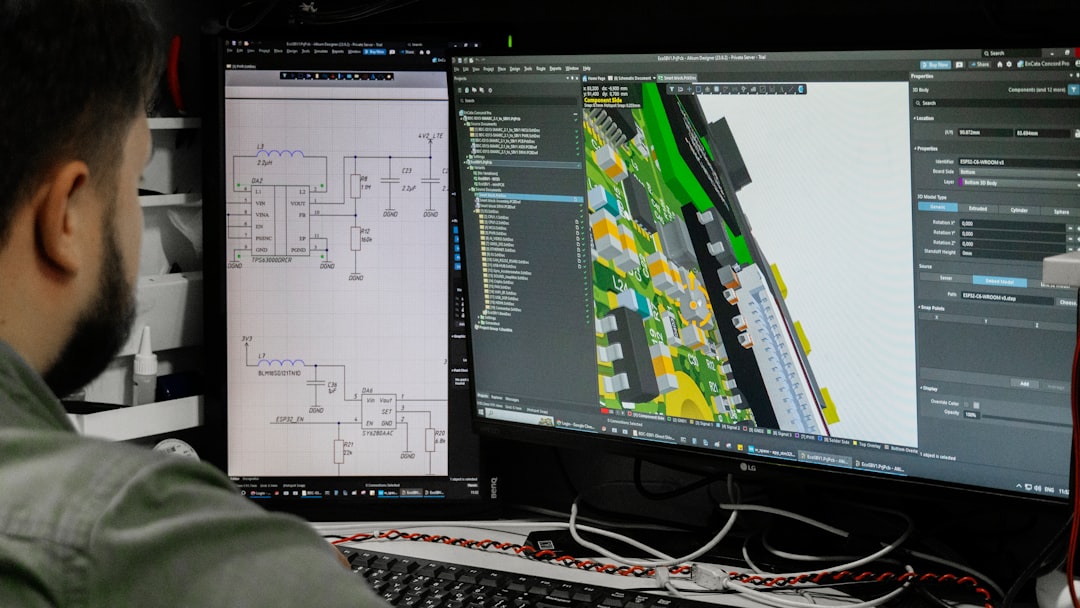
This layout dramatically reduces the learning curve. Instead of hunting for features, beginners can focus on understanding how shapes, scaling, and transformations work. The drag-and-drop functionality feels intuitive, and tooltips guide users without being intrusive.
Insight: The simplicity isn’t a limitation—it’s a deliberate design choice that channels attention toward learning core 3D modeling concepts.
2. Built-In Tutorials and Educational Resources Are a Major Strength
Another standout feature is SelfCAD’s integrated learning ecosystem. Many modeling tools require users to search YouTube or third-party websites for training. SelfCAD embeds tutorials directly within its platform.
While testing, I found:
- Step-by-step interactive tutorials
- Video walkthroughs for complete beginners
- Structured courses covering modeling and 3D printing basics
This structured approach helps users progress logically, rather than experimenting randomly and feeling stuck. For example, the beginner lessons introduce basic shapes, move into Boolean operations, and gradually tackle more advanced deformation tools.
Why this matters: Beginners often quit 3D modeling because they feel overwhelmed. SelfCAD’s integrated education system lowers that psychological barrier.
Compared to other popular tools, here’s how SelfCAD stacks up for learning support:
| Feature | SelfCAD | Tinkercad | Blender |
|---|---|---|---|
| Integrated Tutorials | Yes, built-in structured lessons | Basic introductory guides | Limited built-in guidance |
| Beginner Friendliness | High | Very High | Low to Moderate |
| Advanced Modeling Depth | Moderate | Low | Very High |
| Browser-Based | Yes | Yes | No |
SelfCAD comfortably sits between ultra-basic tools and highly complex professional suites.
3. The Combination of Simplicity and Creative Flexibility Works
Beginner tools often suffer from a frustrating limitation: once you learn the basics, you quickly outgrow them. SelfCAD, however, offers enough depth to sustain creative growth.
Some tools that impressed me during testing include:
- Boolean operations for combining or subtracting objects
- Freehand drawing tools for organic shapes
- Deform and sculpting features for custom modifications
- Advanced transformations such as twisting, bending, and tapering
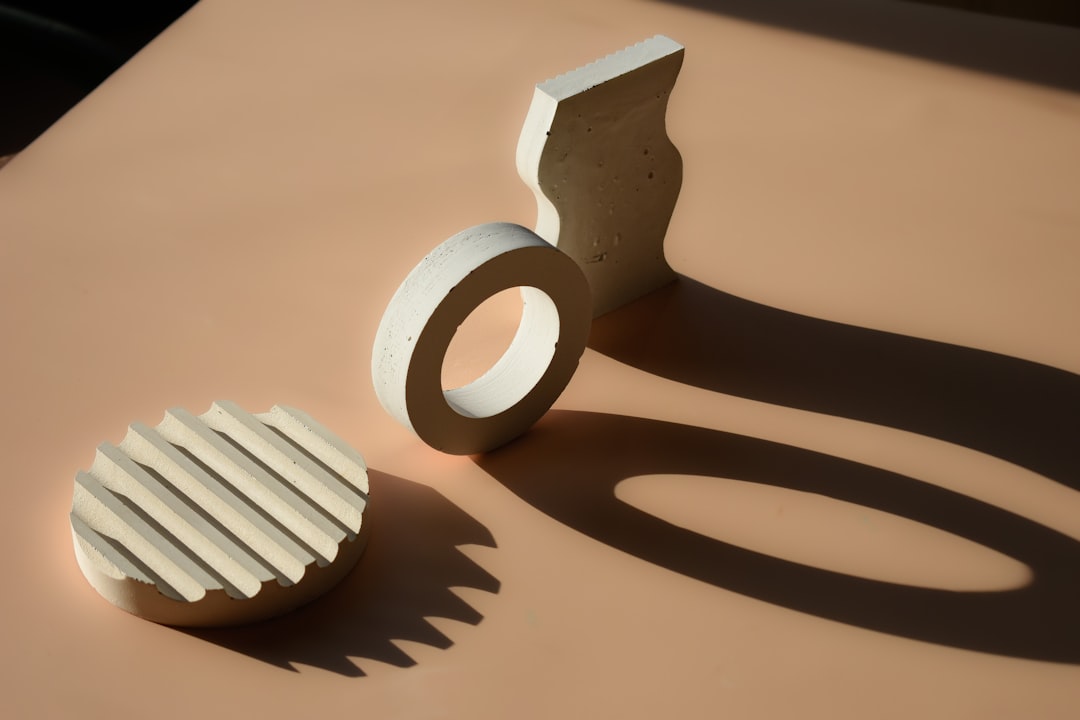
I experimented with designing simple household objects like keychains and phone stands, then moved toward more decorative shapes involving curved and organic forms. The transition felt smooth rather than restrictive.
Insight: SelfCAD strikes a rare balance—it’s approachable for beginners without feeling like a toy.
4. Built-In Slicing Makes It Ideal for 3D Printing Beginners
One feature that truly differentiates SelfCAD from many competitors is its integrated slicer. Typically, 3D printing requires exporting your design to a separate slicing program to prepare it for printing. SelfCAD eliminates that extra step.
This built-in slicer allows users to:
- Adjust layer height
- Configure infill density
- Set support structures
- Preview print layers
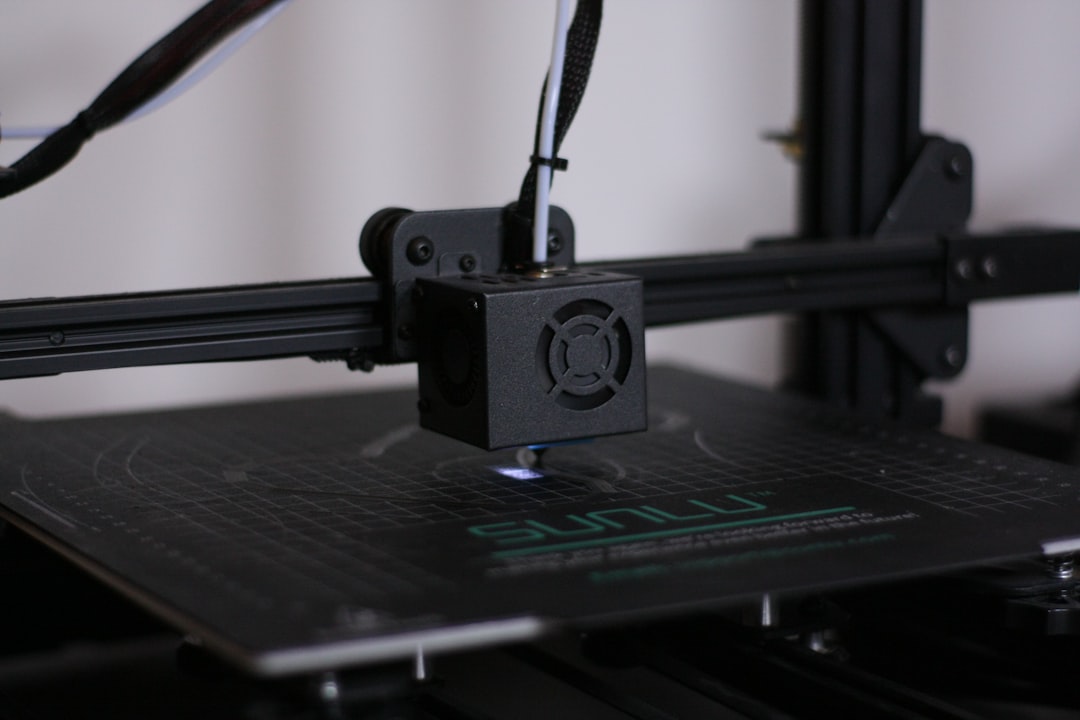
For beginners, this integration reduces technical friction. During testing, I created a simple desk organizer and was able to configure print settings immediately without switching platforms.
Why this is important:
- Fewer software transitions mean fewer mistakes.
- Beginners can see how design decisions impact print results.
- The workflow feels seamless and efficient.
While advanced users might prefer dedicated slicing software with deeper customization, beginners will appreciate how streamlined and unintimidating SelfCAD makes the process.
5. Accessibility and Performance Lower the Entry Barrier
SelfCAD’s browser-based functionality deserves special recognition. You don’t need high-end hardware or complicated installations to start designing. For classrooms, hobbyists, and casual learners, this is a major advantage.
During my testing:
- The platform ran smoothly on mid-range laptops.
- Projects saved automatically in the cloud.
- I could access designs from multiple devices.
This flexibility makes SelfCAD particularly appealing for:
- Students working across school and home computers
- Educators managing classroom projects
- Beginners unsure about investing in expensive software
Insight: Removing technical barriers encourages experimentation—and experimentation is essential for mastering 3D modeling.
Where SelfCAD Has Room to Grow
No tool is perfect, and SelfCAD does have limitations.
- Advanced rendering capabilities are more limited compared to professional software.
- Large, highly detailed models can challenge browser performance.
- Complex animation workflows are not its primary strength.
However, it’s important to consider the target audience. SelfCAD does not aim to compete directly with advanced software used in large-scale game development or cinematic production. Instead, it aims to empower learners, hobbyists, educators, and entry-level designers.
Final Verdict: Is SelfCAD Worth It for Beginners?
After thoroughly testing SelfCAD’s modeling tools, tutorials, and 3D printing workflow, one conclusion stands out: SelfCAD succeeds at making 3D design approachable without making it shallow.
Here’s a quick summary of the five key insights:
- Clean, beginner-friendly interface that minimizes overwhelm.
- Integrated tutorials and structured learning reduce frustration.
- Creative flexibility beyond basic shape stacking.
- Built-in slicing software simplifies 3D printing workflows.
- Browser-based accessibility lowers technical barriers.
If you’re entirely new to 3D modeling, SelfCAD offers a supportive starting point. If you’re a teacher, it provides a classroom-friendly ecosystem. If you’re a hobbyist exploring 3D printing, its all-in-one design and slicing capability can save significant time.
Ultimately, SelfCAD’s greatest strength lies not just in its tools, but in its philosophy: make 3D creation less intimidating and more accessible. For beginners stepping into the world of digital design, that philosophy makes all the difference.
