

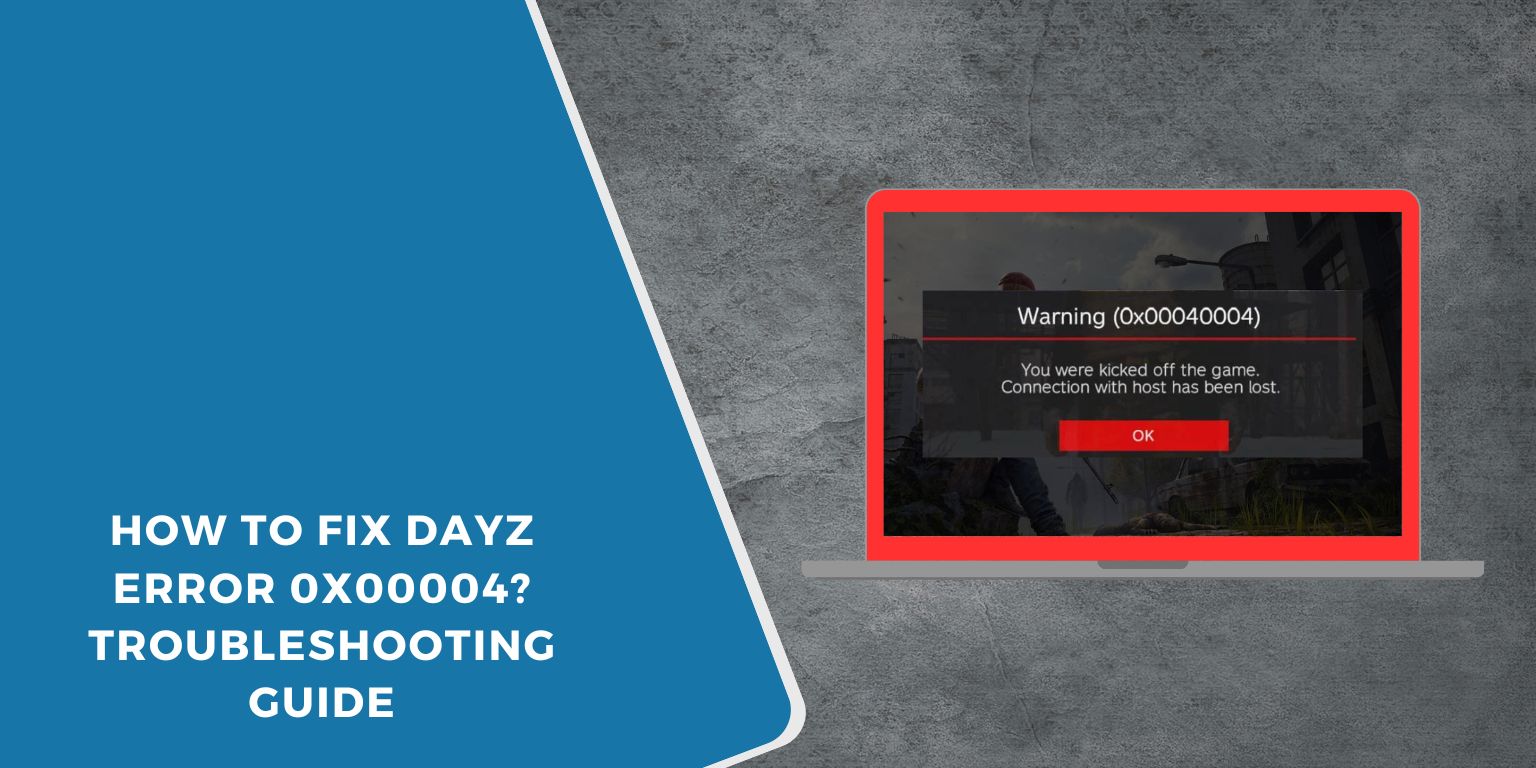
Sometimes you launch DayZ, everything looks normal, and then the game stops with error 0x00004. It can happen before joining a server or right after pressing play, which makes it frustrating because nothing clearly explains what went wrong. This error usually blocks the game from starting or connecting properly.
In this guide, you will learn what DayZ error 0x00004 means, where it appears, why it happens, and how to avoid running into it again. The aim is to help you understand the issue before trying fixes.
What Is DayZ Error 0x00004?
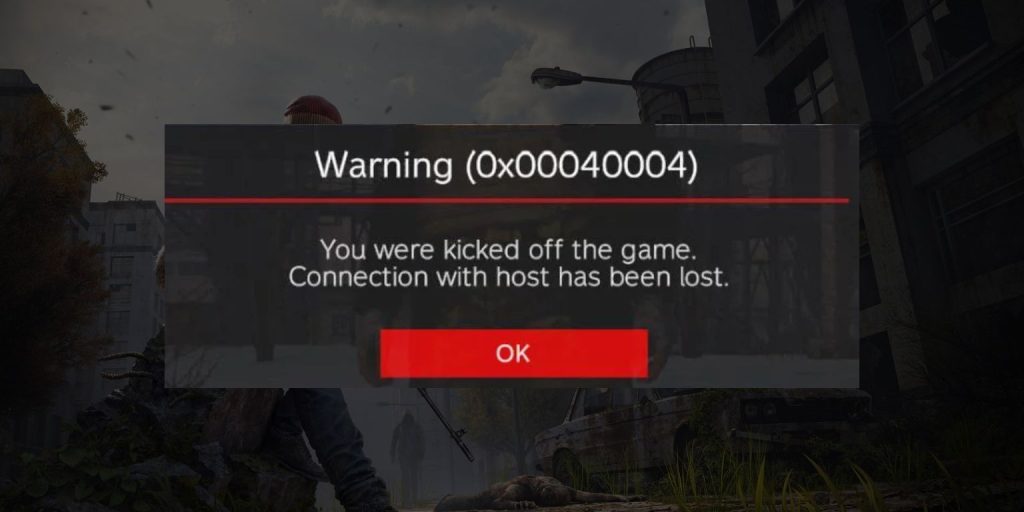 DayZ error 0x00004 appears when the game fails to complete startup or connection checks. The game client cannot load required components or verify files needed to run correctly. This can involve how DayZ communicates with Steam or how local system files respond during launch. The error does not mean your account is banned. It only means the game could not continue the process.
Players usually see this error while launching DayZ through Steam or the DayZ Launcher. It may also appear when joining a server after updates or changes to the game environment. The screen often stops loading and shows the error code without extra detail.
Common Causes of DayZ Error 0x00004
This error can happen for several reasons, mostly related to game files, mods, or system settings. Even small changes can cause the game to fail startup checks. Understanding the common causes helps avoid repeating the same issue.
Common causes include:
- Corrupted or missing DayZ game files
- Outdated or broken mods from Steam Workshop
- Problems with BattlEye during launch
- Steam client or launcher sync issues
- Missing Windows permissions
- Antivirus or firewall blocking game files
- Incomplete updates after patches
How to Fix DayZ Error 0x00004?
This error usually shows up when DayZ cannot finish startup or server checks. The game tries to load files, mods, and anti-cheat services, but something blocks the process. In most cases, the problem sits on the local system, not your account.
Start with the basic fixes first. Many players solve the issue without reinstalling the game.
Fix #1: Restart DayZ, Steam, and Your PC
Temporary system or launcher glitches can stop DayZ from loading correctly. Restarting clears stuck background processes and refreshes file access. After a clean restart, Steam and DayZ often reconnect properly, and the error does not appear again.
Fix #2: Verify DayZ Game Files in Steam
Corrupted or missing game files are a common reason for error 0x00004. Steam includes a built-in tool to scan and repair these files.
Follow the steps below to verify game files:
- Open Steam
- Go to Library
- Right-click DayZ
- Select Properties
- Open Installed Files
- Click Verify integrity of game files
- Wait for the scan to finish
Steam will replace damaged files automatically.
Fix #3: Disable All Mods Temporarily
Mods from Steam Workshop can conflict with game updates or servers. Even one outdated mod can block startup.
Turn off all mods in the DayZ Launcher, then try launching the game without mods. If the game starts normally, enable mods one by one to find the problem.
Fix #4: Update or Reinstall BattlEye
BattlEye runs before DayZ connects to servers. If BattlEye fails, the game may stop with error 0x00004.
Here’s how you can refresh BattlEye:
- Close DayZ and Steam
- Go to the DayZ installation folder
- Open the BattlEye folder
- Run the BattlEye installer
- Complete the setup
- Restart Steam and launch DayZ
This ensures the anti-cheat service starts correctly.
Fix #5: Run Steam and DayZ as Administrator
Windows permissions can block game files or services during startup. Running Steam and DayZ with admin rights allows the game to access required folders and services.
Right-click Steam and choose Run as administrator. Then launch DayZ normally. Many permission-related errors clear after this step.
Fix #6: Check Antivirus and Firewall Settings
Security software can mistakenly block DayZ or BattlEye files. When that happens, the game may fail to start.
Open your antivirus or firewall settings and add DayZ and Steam to the allowed list. After whitelisting, restart the system and try launching the game again.
Fix #7: Update Windows and Graphics Drivers
Outdated system files or drivers can cause compatibility issues. DayZ relies on updated Windows components and graphics drivers to run correctly.
Check for Windows updates and install the latest graphics driver from your GPU manufacturer.
After updating, restart your PC before launching DayZ.
Fix #8: Reinstall DayZ Completely
If none of the fixes work, a clean reinstall may be necessary. This removes corrupted files, broken mods, and leftover data.
Uninstall DayZ from Steam, restart your PC, then download and install the game again. Launch it without mods first to confirm the error is gone.
Prevention Tips to Avoid DayZ Error 0x00004 in the Future
Preventing this error is often easier than fixing it repeatedly. Keeping the game environment stable helps DayZ load properly every time. Small habits can reduce crashes and launch failures.
To lower the chance of seeing error 0x00004 again:
- Keep DayZ and all mods updated
- Remove unused or outdated mods regularly
- Verify game files after major updates
- Allow DayZ and Steam through antivirus software
- Run Steam with proper permissions
- Update Windows and drivers on time
- Restart your PC after game updates
Conclusion
In short, DayZ error 0x00004 appears when the game cannot complete startup or connection checks. It usually relates to game files, mods, anti-cheat, or system permissions rather than account issues.
If you see this error, understanding the causes and prevention tips can save time and frustration. When the issue keeps returning, contacting official DayZ or Bohemia Interactive support may be necessary.
If this article helped you, share it with other players and leave a comment about your experience.
