

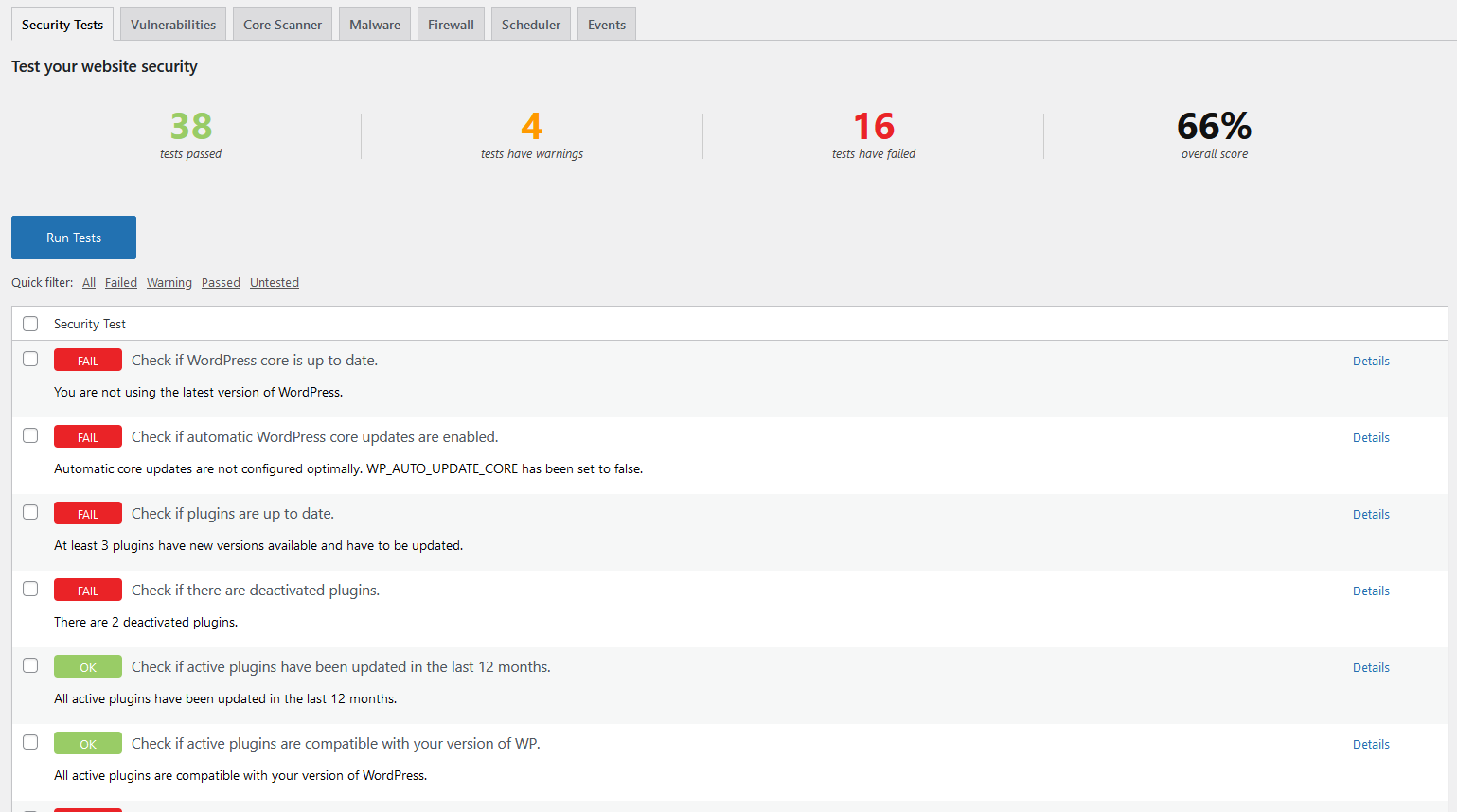
Start with Burp Suite, OWASP ZAP, and Nuclei if you want the best mix of manual testing, automated scanning, and fast checks in CI. These three cover most real-world website security testing needs without forcing your team into one workflow. OWASP reports that 94% of tested applications showed some form of broken access control, which is exactly the kind of issue scanners and manual proxies can help expose [source: OWASP].
TLDR: Use Burp Suite for deep manual testing, OWASP ZAP for free automated scans, and Nuclei for fast template-based checks in pipelines. For example, a small SaaS team could run ZAP weekly, Nuclei on every pull request, and Burp Suite before each major release. That setup can catch common issues like exposed admin panels, weak headers, and broken access rules before they hit production. Add Nikto, Wapiti, or Acunetix if you need broader coverage or simpler reporting.
1. Burp Suite
Burp Suite is the favorite tool for many web app security testers. It acts as an intercepting proxy, so you can view, edit, replay, and attack HTTP traffic between your browser and the target site.
Its best features include:
- Repeater for testing requests by hand.
- Intruder for payload attacks and fuzzing.
- Scanner in the paid edition for automated checks.
- Extensions from the BApp Store.
Burp is best for deep testing. Think login flaws, access control bugs, insecure APIs, and business logic mistakes. The free version is useful, but limited. Honestly, it feels like the paid edition is where Burp really wakes up. The downside? Large scans can slow down. Expect to wait when testing big apps with many forms and endpoints.

2. OWASP ZAP
OWASP ZAP is the best free alternative to Burp Suite for many teams. It is open source, well known, and friendly enough for developers who are new to security testing.
ZAP can crawl a site, run active scans, check headers, test common injection points, and produce reports. It also works well in DevSecOps setups because it has Docker images and automation support.
Best for: teams that want no-cost scanning, basic security checks, and CI/CD testing.
The interface can feel crowded at first. It drives me crazy that a simple task can take a few extra clicks until you know where everything lives. Still, once configured, ZAP is reliable and very useful.
3. Nuclei
Nuclei is fast, scriptable, and loved by bug bounty hunters. It uses YAML templates to test for known issues, exposed panels, weak configs, CVEs, and risky files.
Its real strength is speed. You can scan many domains quickly. You can also run it in CI to block risky releases. For example, a team can test every staging build for leaked environment files, default credentials, or missing security headers.
Best for: quick checks, large asset lists, bug bounty work, and repeatable scans.
The catch is template quality. Some templates are great. Some are noisy. You may get false positives, so do not treat every alert as a confirmed bug.
4. Nikto
Nikto is old, simple, and still useful. It checks web servers for risky files, outdated software, bad headers, default pages, and known server issues.
Nikto is not pretty. It is not subtle either. But it is easy to run and gives quick results. That makes it useful during early checks or internal audits.
- Pros: simple CLI, fast setup, broad server checks.
- Cons: noisy output, limited depth, not ideal for modern app logic.
Use Nikto as a first pass. Do not rely on it as your only scanner.

5. Wapiti
Wapiti is a web vulnerability scanner that attacks a site from the outside. It crawls pages, finds forms and parameters, then tests for issues like SQL injection, cross-site scripting, file inclusion, and command execution.
It is a good choice if you want a lightweight open-source scanner without a heavy interface. It works from the command line and can produce reports in formats like HTML and JSON.
Best for: smaller sites, quick checks, and teams that like CLI tools.
Wapiti is not as polished as commercial tools. It may also miss flaws hidden behind complex JavaScript flows. Pair it with manual testing for better results.
6. Acunetix
Acunetix is a commercial scanner built for teams that want clean reports, scheduled scans, and less manual setup. It is strong at finding common web issues and presenting them in a format managers can understand.
It can check for SQL injection, XSS, weak passwords, exposed files, vulnerable libraries, and misconfigurations. It also supports authenticated scans, which helps when testing dashboards and user portals.
Best for: companies that need reporting, compliance support, and easier scan management.
The price can be hard to justify for small teams. Also, no scanner understands your business rules perfectly. A tool may find a bad header but miss a broken refund flow. Human review still matters.
How to Choose the Right Tool
Pick based on your goal, not hype.
- Manual security testing: choose Burp Suite.
- Free automated scanning: choose OWASP ZAP.
- Fast CI checks: choose Nuclei.
- Server misconfig checks: choose Nikto.
- Lightweight CLI scanning: choose Wapiti.
- Business reporting: choose Acunetix.
A strong testing stack does not need to be huge. Start with ZAP and Nuclei if budget is tight. Add Burp Suite when you need deeper manual testing. Add a commercial scanner only when reports, scheduling, and team workflows matter more than cost.
The best tool is the one your team will actually run often. A scanner used weekly beats a perfect setup that sits untouched for six months.