

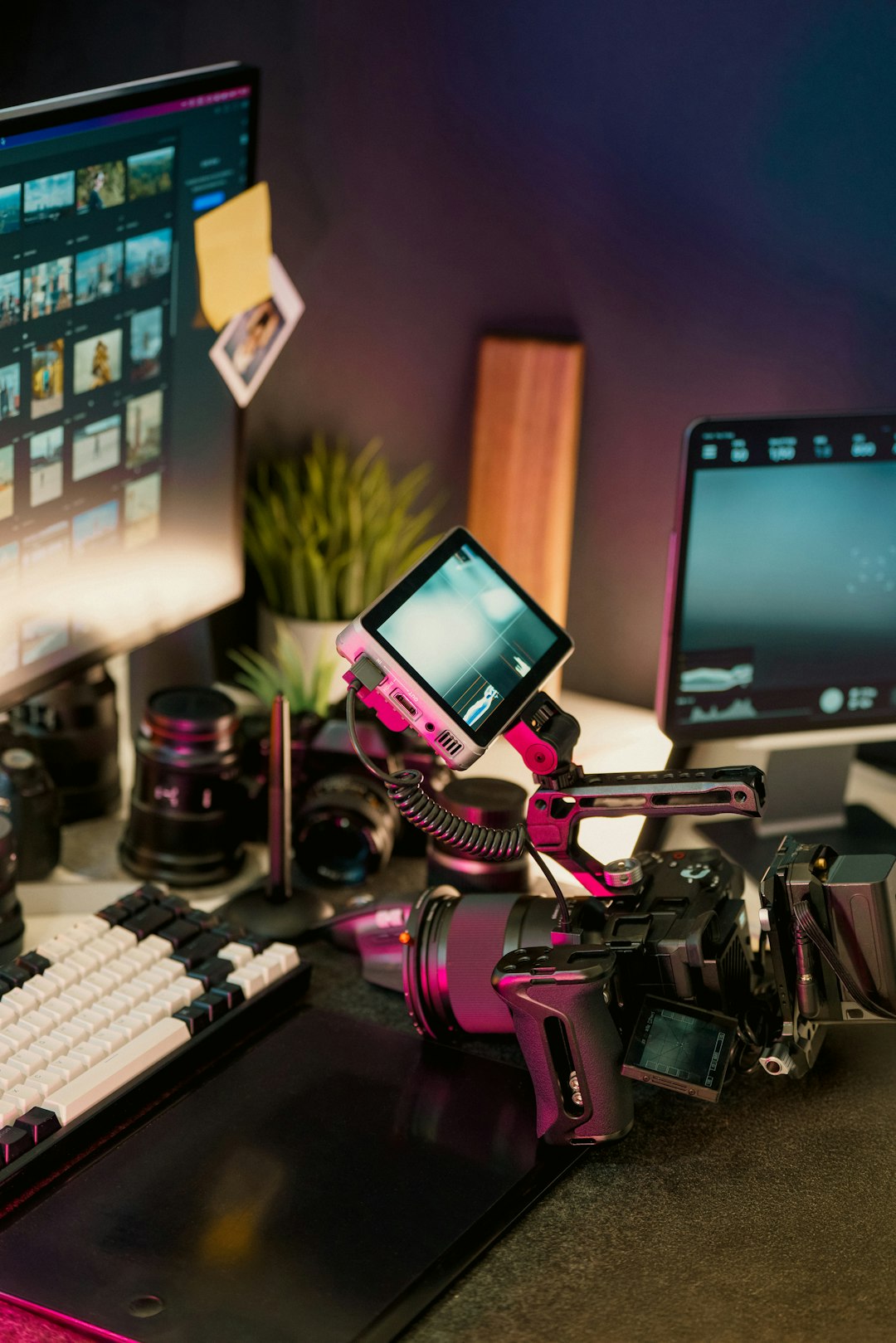
YouTube content production has evolved dramatically in the past few years. What once required hours of manual cutting, color correction, audio balancing, and captioning can now be handled—at least in part—by intelligent automation. Artificial intelligence is no longer just a buzzword in the creative industry; it has become a practical assistant that helps creators move from raw footage to publish-ready videos faster than ever before. Whether you are a beginner launching your first channel or an experienced creator scaling your workflow, AI-powered editing tools can significantly simplify your production process.
TLDR: AI video editing tools are transforming YouTube production by automating repetitive and time-consuming tasks such as cutting silences, generating captions, enhancing audio, and even rewriting scripts. Tools like Descript, Pictory, Runway, Adobe Premiere Pro, CapCut, and Wisecut offer a mix of beginner-friendly automation and advanced smart features. Choosing the right tool depends on your workflow, skill level, and content style. With the right platform, you can save hours each week while improving production quality.
Why AI Is Changing YouTube Editing
YouTube is more competitive than ever. Viewers expect clean edits, subtitles, dynamic pacing, and polished visuals—even from smaller channels. AI fills the gap between professional standards and limited time. It can:
- Automatically remove silence and filler words
- Generate captions and subtitles with high accuracy
- Enhance audio quality using smart noise reduction
- Suggest cuts and highlights for better pacing
- Convert scripts into videos automatically
The result? Faster production cycles without sacrificing quality.
1. Descript
Best for: Script-based creators, podcasters, and talking-head YouTubers.
Descript revolutionizes editing by turning your video into editable text. Once your footage is uploaded, the AI transcribes it instantly. To cut a sentence, you simply delete the corresponding text. It feels more like editing a Word document than editing a video timeline.
Key Features:
- Automatic transcription with impressive accuracy
- Filler word removal (um, uh, you know)
- Overdub voice cloning for corrections
- AI-generated show notes and captions
For educational and commentary channels, Descript drastically speeds up the trimming process. Instead of manually scrubbing through footage, creators can visually scan text and make precise edits in minutes.
2. Pictory
Best for: Turning blog posts or scripts into videos.
Pictory is perfect for creators who want to transform written content into engaging YouTube videos. Simply paste your script or article into the platform, and the AI matches visuals, adds subtitles, and creates a polished video complete with stock footage.
Key Features:
- Script-to-video conversion
- Automatic video summarization
- Royalty-free stock library access
- Captions optimized for engagement
This tool is especially useful for faceless YouTube channels focused on explainer videos, listicles, or educational content. It removes the need for manual footage searching and timeline assembly.
3. Runway
Best for: Creative visual effects and advanced AI editing.
Runway pushes AI video editing into the realm of visual magic. Its standout features include background removal without green screens, object erasing, and generative video tools that can create new visual elements from text prompts.
Key Features:
- AI background removal
- Text-to-video generation
- Smart masking tools
- Motion tracking powered by AI
If your YouTube content includes creative storytelling, cinematic effects, or stylized visuals, Runway dramatically reduces the technical barrier to achieving professional-level production.
4. Adobe Premiere Pro (AI-Powered Features)
Best for: Professional YouTubers needing advanced control.
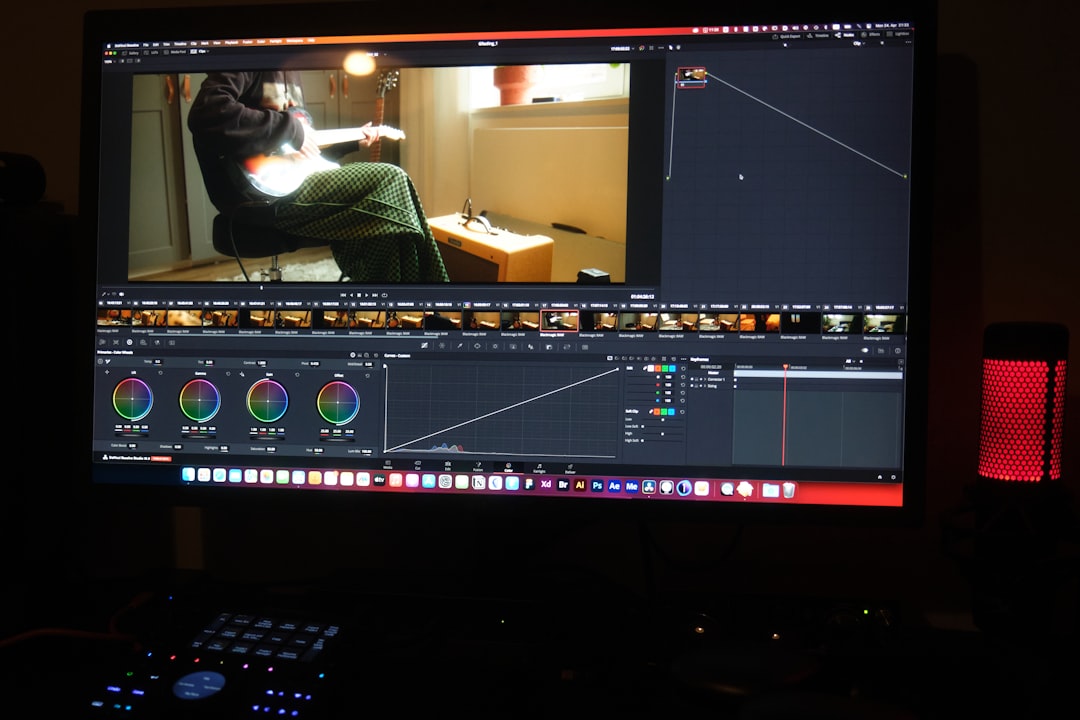
Adobe Premiere Pro has integrated AI through Adobe Sensei, enhancing its already powerful editing environment. Rather than replacing manual editing, the AI complements it with intelligent automation.
Key AI Features:
- Auto Reframe for multiple aspect ratios
- Speech-to-text captioning
- Scene edit detection
- Color matching automation
For creators repurposing YouTube videos into Shorts, Instagram Reels, or TikToks, Auto Reframe is invaluable. It automatically adjusts framing to keep subjects centered in vertical formats.
5. CapCut
Best for: Beginners and short-form creators.
Originally popular among TikTok users, CapCut has grown into a surprisingly powerful AI editing platform. It offers automatic captions, AI-based background music syncing, and quick-cut templates perfect for YouTube Shorts.
Key Features:
- Auto captions with stylized templates
- AI background removal
- Smart cut and beat synchronization
- Text-to-speech functionality
CapCut’s intuitive interface makes it accessible, even if you’ve never edited a video before. For creators focused on growth through short-form content, this tool eliminates steep learning curves.
6. Wisecut
Best for: Automated jump cuts and pacing.
Wisecut is tailored for talking-head YouTubers who want their videos tightened automatically. The platform analyzes speech patterns and removes long pauses, awkward silences, and filler words.
Key Features:
- Automatic silence removal
- Background music auto-ducking
- Auto subtitles and translations
- Storyboard-based editing interface
For creators producing tutorials, commentary, or reaction videos, Wisecut saves hours of manual trimming work.
Comparison Chart
| Tool | Best For | Key Strength | Ease of Use | Automation Level |
|---|---|---|---|---|
| Descript | Talking head videos | Text-based editing | High | High |
| Pictory | Faceless/script videos | Script-to-video AI | Very High | Very High |
| Runway | Creative effects | AI visual tools | Medium | High |
| Adobe Premiere Pro | Professional creators | Advanced AI integration | Medium | Moderate |
| CapCut | Short-form content | Template-based editing | Very High | High |
| Wisecut | Tutorial/commentary | Automatic silence removal | High | High |
How to Choose the Right AI Tool
The best AI editing platform depends on your workflow and channel type. Ask yourself:
- Do I appear on camera frequently?
- Do I write scripts before recording?
- Am I creating long-form or short-form videos?
- Do I need advanced creative control?
If you’re running a faceless YouTube automation channel, tools like Pictory may be ideal. If you’re a personality-driven creator, Descript or Wisecut could dramatically improve efficiency. Meanwhile, professionals who want control plus AI speed boosts may prefer Adobe Premiere Pro.
The Future of AI in YouTube Production
AI video editing tools are still evolving. We can expect more predictive editing, automatic thumbnail generation, smart chapter creation, and even real-time audience retention optimization suggestions.
Rather than replacing human creativity, these tools act as collaborators. They handle repetitive technical tasks, freeing creators to focus on storytelling, branding, and audience engagement.
Ultimately, YouTube success still depends on content quality and consistency. However, AI removes friction. It eliminates excuses. It shortens production time from days to hours. And for creators juggling multiple responsibilities, that efficiency can make the difference between sporadic uploads and sustainable growth.
In a world where attention spans are short and competition is fierce, AI gives creators the edge they need—not by doing the creative thinking for them, but by helping them execute faster and smarter.
