


Restoring old videos no longer requires a professional post-production studio. With the rise of artificial intelligence, everyday users can now upscale and enhance aging footage in just a few clicks. WinXVideo AI has positioned itself as a powerful, accessible solution for breathing new life into blurry home videos, low-resolution recordings, and compressed archival clips.
TLDR: WinXVideo AI uses advanced artificial intelligence to upscale low-resolution videos, remove noise and artifacts, stabilize shaky footage, and enhance overall clarity with minimal manual effort. It supports multiple resolution upgrades including 4K, offers user-friendly controls, and processes footage efficiently on modern GPUs. For anyone looking to restore old memories or improve dated video content, it provides an impressive mix of automation and control. The tool stands out for balancing performance, simplicity, and high-quality output.
1. AI-Powered Upscaling That Preserves Detail
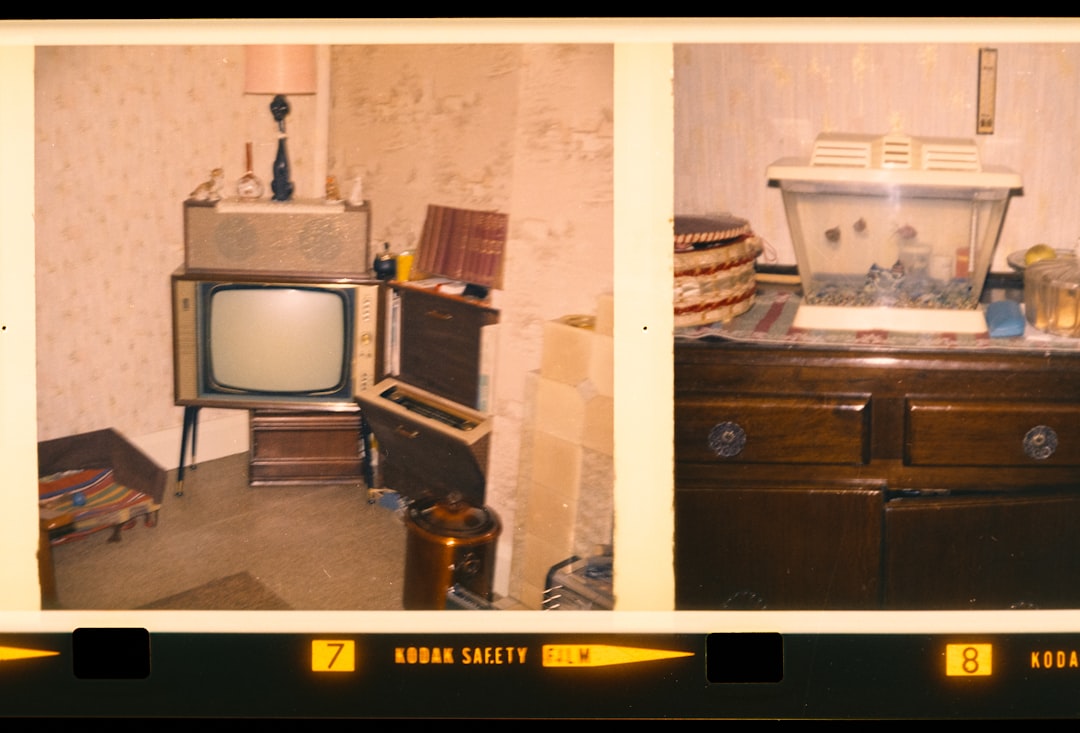
One of the most impressive highlights of WinXVideo AI is its ability to upscale low-resolution footage while maintaining realistic textures and details. Traditional upscaling methods often stretch pixels, resulting in soft, blurry visuals. In contrast, AI-enhanced upscaling analyzes patterns within each frame and intelligently reconstructs missing details.
How It Works:
- Deep learning models examine structure, edges, and textures.
- The software predicts and recreates detail rather than duplicating pixels.
- Noise and compression artifacts are reduced during the scaling process.
Users can upscale videos from SD to HD, HD to 4K, and even improve older DVD rips or camcorder footage. Instead of simply enlarging the frame, WinXVideo AI enhances facial features, restores fine textures like hair and fabric, and improves background clarity.
This feature is especially useful for:
- Digitized VHS tapes
- Old smartphone videos
- Archived YouTube content
- Family home movies
The result is sharper footage that looks significantly more modern without appearing artificially overprocessed.
2. Advanced Noise Reduction and Artifact Removal
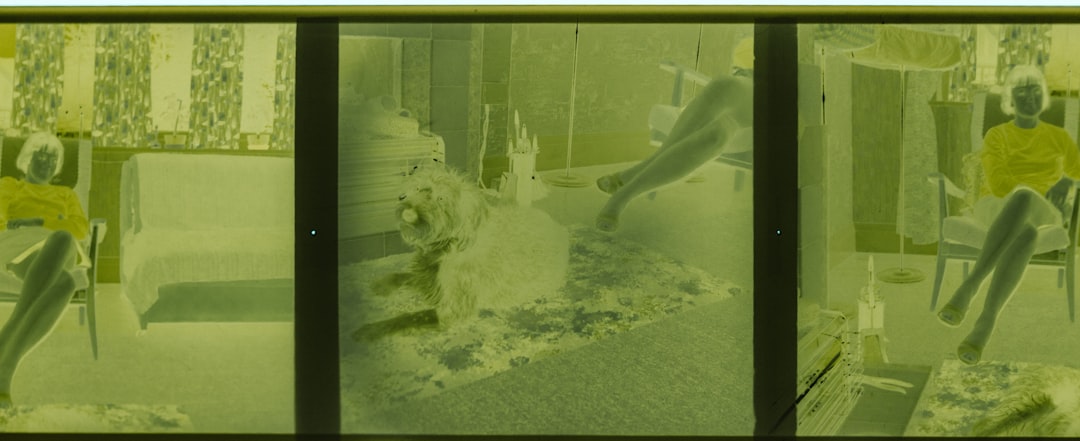
Old videos often suffer from visible grain, digital noise, compression artifacts, and color distortion. These flaws can make footage distracting and unpleasant to watch. WinXVideo AI takes a layered approach to enhancement, combining intelligent denoising with frame-by-frame correction.
Unlike basic filters that blur footage to hide imperfections, AI-driven denoising identifies noise patterns and removes them selectively. This ensures important details remain intact while unwanted visual clutter is eliminated.
Key Improvements Include:
- Reduction of film grain without smearing details
- Removal of blocky compression artifacts
- Improved color consistency
- Enhanced contrast and brightness balancing
This feature proves particularly helpful when working with:
- Highly compressed online videos
- Low-light recordings
- Older digital camera clips
- Footage recorded in challenging lighting conditions
By cleaning up the image before or during upscaling, WinXVideo AI ensures that resolution improvements do not amplify flaws. The software’s ability to differentiate between intentional texture and unwanted noise is a standout capability.
3. AI Frame Enhancement and Stabilization
Beyond resolution and noise, stability plays a major role in perceived video quality. Many older recordings were captured without modern stabilization technology, leading to shaky, uneven footage. WinXVideo AI addresses this issue through intelligent frame correction.
The software analyzes motion vectors and corrects camera shake automatically. This dramatically improves watchability, especially for handheld footage from early camcorders and mobile devices.

Enhancement features include:
- Automatic shake reduction
- Smoother frame transitions
- Improved temporal consistency
- Reduced motion blur
This function is particularly valuable for home videos and travel memories. Stabilized footage feels more cinematic and easier to watch, bringing professional polish to amateur recordings.
In addition to stabilization, frame enhancement improves overall sharpness. The AI ensures that moving objects remain clear, reducing ghosting and motion distortion in fast-action clips.
4. User-Friendly Workflow with High Performance Processing
One of WinXVideo AI’s strongest advantages lies in its accessibility. AI-based enhancement tools can often feel complex or technical, but this software prioritizes simplicity. Users can import footage, choose enhancement settings, and begin processing within minutes.
Interface Highlights:
- Clean dashboard layout
- Quick preset options for common tasks
- Custom resolution settings
- Preview window for before and after comparison
Performance-wise, WinXVideo AI leverages GPU acceleration to reduce processing time significantly. Enhancing video with artificial intelligence can be resource-intensive, but the software is optimized for modern hardware, striking a balance between quality and speed.
This makes it suitable for:
- Content creators upgrading legacy footage
- Families restoring archival memories
- Small studios working with limited budgets
- Social media creators repurposing old clips
The streamlined workflow ensures that even beginners with no technical background can achieve professional-looking results.
Feature Comparison Chart
| Feature | Primary Benefit | Best For | Level of Automation |
|---|---|---|---|
| AI Upscaling | Transforms SD or HD to higher resolutions like 4K | Old home movies, legacy digital footage | High |
| Noise Reduction | Removes grain and compression artifacts | Low light or compressed recordings | High |
| Frame Enhancement and Stabilization | Smooths shaky footage and improves motion clarity | Handheld camcorder or phone videos | Medium to High |
| User Interface and GPU Acceleration | Simplifies workflow and speeds up rendering | Beginners and content creators | High |
Who Should Consider WinXVideo AI?
WinXVideo AI is ideal for individuals and businesses looking to modernize outdated video libraries. While professionals with advanced editing suites may seek deeper manual controls, many users will appreciate the balance of automation and customization offered here.
Best suited for:
- Memory preservation projects
- Content repurposing for YouTube or social media
- Improving footage for documentaries
- Enhancing educational or archival material
Its biggest strength lies in its ability to deliver noticeable improvements without requiring deep technical knowledge.
Final Thoughts
The four major highlights of WinXVideo AI — intelligent upscaling, comprehensive noise reduction, smart stabilization, and a streamlined user experience — combine to form a compelling enhancement suite. Rather than relying on outdated filters, the software leverages modern artificial intelligence to reconstruct and refine footage intelligently.
For anyone looking to update legacy content, restore cherished memories, or increase the visual quality of older recordings, WinXVideo AI offers a practical and effective solution. Its thoughtful combination of automation and quality improvements makes it a noteworthy contender in the AI video enhancement space.
Frequently Asked Questions (FAQ)
-
1. Can WinXVideo AI really convert SD videos to 4K?
Yes, the software can upscale SD or HD footage to 4K using AI reconstruction. While results depend on the original quality, the enhancement typically produces significantly sharper and cleaner visuals than traditional scaling methods. -
2. Does AI upscaling create fake details?
AI models predict and reconstruct missing details based on learned patterns. While the software enhances clarity, it does so in a way designed to appear realistic rather than artificially generated. -
3. Is a high-end computer required?
A modern computer with GPU support is recommended for faster processing. However, the software is optimized to run on many mid-range systems, though rendering times may vary. -
4. Can it fix extremely blurry footage?
The software can significantly improve moderately blurry footage, but if the original content lacks core visual information, enhancement results may have limitations. -
5. Is WinXVideo AI suitable for professional use?
Yes, many content creators and small production teams use AI enhancement tools to improve legacy footage. While it may not replace full professional editing suites, it serves as a powerful complementary tool.
