

If you’re looking to dive into the world of 3D printing, chances are you’ve come across two of the most talked-about and celebrated machines in the budget space: the Creality Ender 3 and the Prusa Mini. These printers dominate discussions among both beginners and enthusiasts for good reason. Each offers a unique balance of performance, reliability, and cost-effectiveness that appeals to a wide range of users. But how do they stack up against each other? Let’s take a deep dive into their features, pros, and cons to find out which one is the best affordable 3D printer for your needs.
TL;DR
The Creality Ender 3 is the more affordable option, ideal for beginners and tinkerers who aren’t afraid to get hands-on with upgrades and fixes. Meanwhile, the Prusa Mini offers better out-of-the-box performance, superior build quality, and easier setup — at a higher price. If you want reliability without tinkering, go Prusa Mini; if you’re on a budget and don’t mind some DIY, the Ender 3 gives you more value. Both are solid choices, but your experience level and willingness to customize will help determine the winner for you.
Price and Value
Let’s begin with the most critical factor for many users: price. The Ender 3 is widely known for its unbeatable affordability. Priced typically around $200–$250, it’s become the entry point for many hobbyists worldwide. On the other hand, the Prusa Mini is significantly more expensive, coming in around $429 for the assembled version (or about $379 for the kit).
However, higher price doesn’t always mean worse value. The Prusa Mini includes high-quality components, automatic bed leveling, excellent support, and a pre-tested community-trusted firmware. In this sense, you’re paying for convenience, quality control, and peace of mind.
Price Comparison
- Creality Ender 3: ~$200-250
- Prusa Mini: ~$379-429
Ease of Assembly and Setup
If you’ve never touched a 3D printer before, ease of setup will be a big deal. The Ender 3 requires partial assembly, roughly taking about 1-2 hours. It’s a semi-DIY experience, and while not overly complex, it can be intimidating for beginners unfamiliar with mechanical components. However, a wealth of tutorials and community support help ease the learning curve.
In contrast, the Prusa Mini arrives either pre-assembled or as a kit with much less assembly complexity. The instructions provided by Prusa are considered among the best in the industry. It’s often described as “beginner-friendly” from the moment you unbox it.
Key Takeaway:
Want to start printing quickly with minimal fuss? Go with the Prusa Mini. Comfortable with building and tinkering? The Ender 3 offers more flexibility and learning opportunities.
Print Quality and Performance
Print quality is where the Prusa Mini begins to pull ahead. Thanks to its direct drive extruder, well-tuned firmware, and 32-bit motherboard, the Prusa Mini delivers high-quality, consistent prints with minimal tweaking. It supports a wide range of materials out of the box, with excellent precision and layer adhesion.
The Ender 3, especially with some tweaks and upgrades, can produce comparable prints — but not without effort. Its Bowden-style extruder is less precise with flexible materials, and out-of-the-box calibration may be necessary. Expect some trial and error to reach optimal performance.
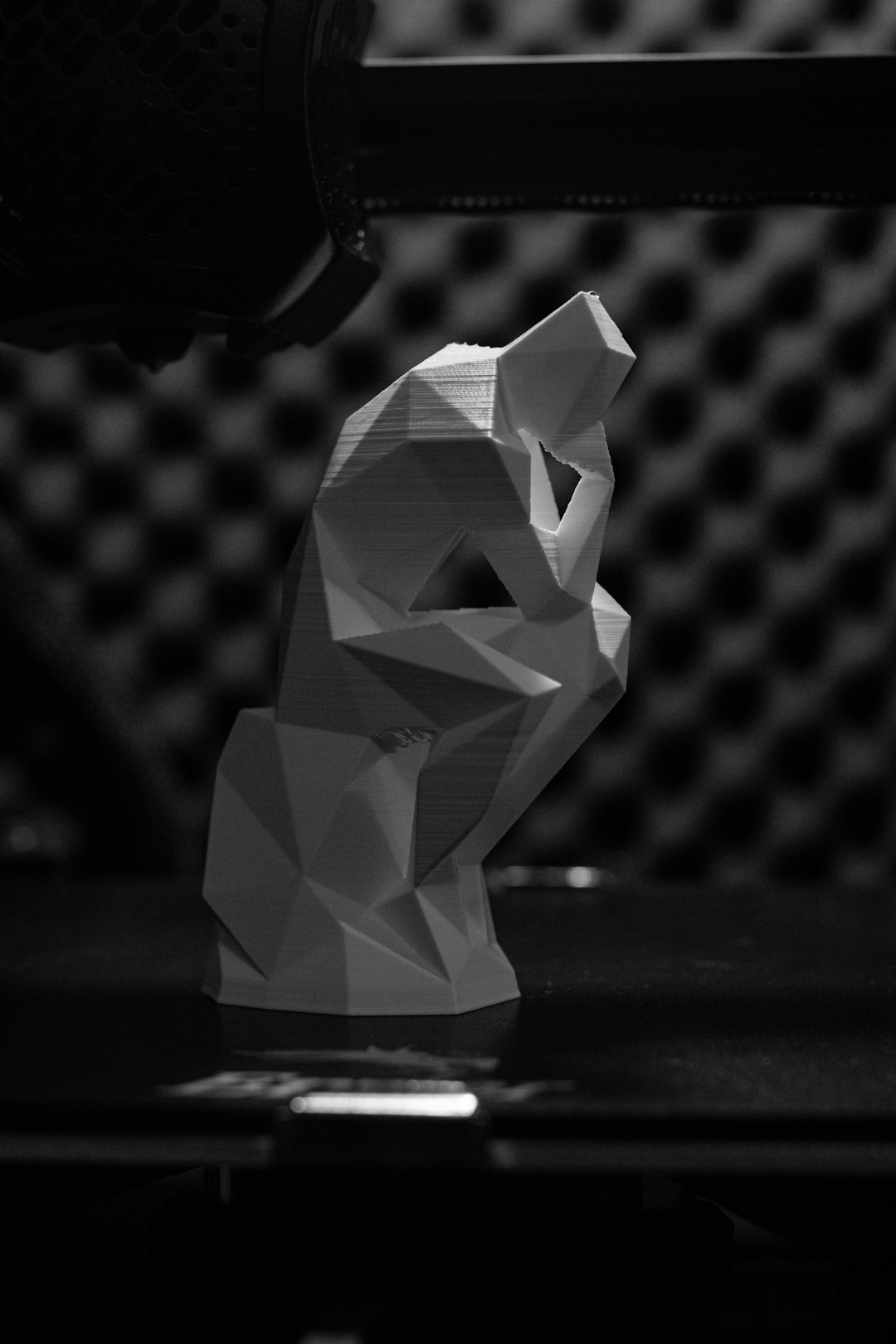
Print Quality Showdown:
- Prusa Mini: Excellent quality, minimal tuning needed, reliable for small batch production.
- Ender 3: Good out-of-the-box, better with upgrades, more trial and error involved.
Build Volume and Size
While quality matters, so does how big you can go. The Creality Ender 3 boasts a slightly larger build volume at 220 x 220 x 250 mm. It allows for printing medium-sized models in a single go. The Prusa Mini has a smaller but still reasonable 180 x 180 x 180 mm build area.
If larger prints are important to you (say, for cosplay or functional prototypes), the Ender 3 has an edge. But for most hobbyists working on models, art, and functional parts, the Prusa Mini’s build size is more than sufficient.
Build Volume:
- Ender 3: 220 x 220 x 250 mm
- Prusa Mini: 180 x 180 x 180 mm
Firmware and Software Ecosystem
The Prusa Mini comes equipped with Prusa’s proprietary firmware and supports PrusaSlicer — a slicer tuned perfectly to its hardware, offering a seamless printing experience. Firmware updates are regular and packed with features and optimizations based on real user feedback.
The Ender 3’s firmware, in contrast, is functional but very basic. It supports popular slicers like Cura or PrusaSlicer but lacks some of the polish. That said, Ender 3’s openness is its strength — there’s huge community support for upgrading the firmware (including installing Marlin) for improved functionality and safety.
Software Note:
If you’re more interested in powerful plug-and-play print profiles and hassle-free firmware updates, the Prusa Mini wins hands-down.
Upgradability and Modding Potential
The Ender 3 is practically a playground for hobbyists. Almost every part of it can be upgraded: from its extruder to the hotend, motherboard, and even the fan system. There are countless mods available — some even 3D printable — for better quality and usability. The community has produced tutorials, printable upgrades, and alternative firmware tailored to just about every need.
In contrast, the Prusa Mini is not designed to be heavily modded. This isn’t because it’s closed or proprietary, but rather because it tries to do things *right* out of the box. That means there’s less *need* for modifications, but also fewer opportunities for customization.
Image not found in postmetaUpgradability Winner:
- Ender 3: Incredible modding potential, ideal for tinkerers and makers.
- Prusa Mini: Limited modding, but excellent default performance.
Community and Support
Both printers enjoy a vibrant online community. The Ender 3 has one of the largest followings in the 3D printing world, with thousands of YouTube tutorials, forums, and Reddit threads dedicated solely to it. If you run into a problem, someone else already solved it.
The Prusa Mini benefits from the exceptional customer support that Prusa Research offers. You also gain access to the PrusaPrinters forum and an online 3D model repository. While smaller than Ender 3’s base, it’s more focused and backed by a reputation for genuine care and guidance.
Final Verdict: Which Should You Choose?
Choose the Creality Ender 3 if you:
- Are on a tight budget
- Enjoy DIY projects and tinkering
- Want a larger build volume
- Are okay with occasional troubleshooting and upgrades
Choose the Prusa Mini if you:
- Prioritize ease of use and reliability
- Don’t want to worry about upgrading and calibrating
- Are willing to invest more for a smoother experience
- Prefer exceptional support and software out of the box
In the end, both the Ender 3 and Prusa Mini are excellent choices for anyone looking to get started or advance in 3D printing. The right printer depends less on the machine itself and more on what kind of maker you are.
Whether you opt for the rugged affordability of the Ender 3 or the polished perfection of the Prusa Mini, both represent the best of what’s available in budget-friendly 3D printing today. Happy printing!
