


Start with Canva, Adobe Express, or VistaCreate if you need a flyer fast. They are easy, cheap, and friendly to people who do not speak “designer.” If you plan to mail flyers locally, USPS also has Every Door Direct Mail for reaching nearby homes without a mailing list [source: USPS].
TLDR: Use Canva for speed, Adobe Express for polished layouts, and Vistaprint if you want design plus printing in one place. A small pizza shop could make 500 flyers with a QR code and a “15% off Tuesday” deal in under an hour. If just 3% of people respond, that is 15 new orders. Not bad for one stack of paper.

Why custom flyers still work
Flyers are simple. That is their magic. People can hold them. Pin them. Hand them to a friend. Stick them on a fridge with a magnet shaped like a taco.
A good flyer needs three things: a clear offer, a bold headline, and one easy next step. Do not cram in your life story. Nobody wants a novel on glossy paper.
20 useful graphic design platforms for custom flyers
-
1. Canva
Canva is the friendly giant. It has tons of flyer templates, icons, photos, and drag and drop tools. You can design a party flyer, sale flyer, church flyer, or fitness flyer in minutes. Printing is built in too. Honestly, it feels like Canva knows what you need before you do.
-
2. Adobe Express
Adobe Express is great for clean, modern flyers. It is easier than full Adobe apps. You get strong fonts, nice templates, and quick resizing. It is a smart pick for brands that want a polished feel without opening Photoshop and crying softly.
-
3. VistaCreate
VistaCreate is packed with bright templates. It feels a bit like Canva’s artsy cousin. You can make flyers for events, classes, shops, and social posts. It also works well if you want animated versions for online ads.
-
4. Vistaprint
Vistaprint is best when printing matters as much as design. Pick a flyer template, change the text, upload photos, and order prints. It offers many paper sizes and finishes. Great for menus, coupons, local promos, and grand openings.
-
5. Zazzle
Zazzle lets you design and print flyers with a more playful style. It also has many creator-made templates. This helps if you want something less corporate. It is useful for birthdays, fundraisers, school events, and small craft fairs.
-
6. PosterMyWall
PosterMyWall is built for promo materials. Flyers, posters, menus, videos, and social graphics all live here. It is very good for restaurants, DJs, clubs, churches, and community events. The templates are bold and made to grab attention fast.
-
7. Fotor
Fotor mixes simple design with photo editing. That helps if your flyer needs product photos or portraits. You can touch up an image, add text, and export a print file. The editor is simple, which is nice when you are already tired.
-
8. PicMonkey
PicMonkey is strong for image-heavy flyers. It has filters, overlays, textures, and easy text tools. Use it for beauty promos, pet services, food flyers, and creative workshops. The templates are stylish but not too fancy.
-
9. Visme
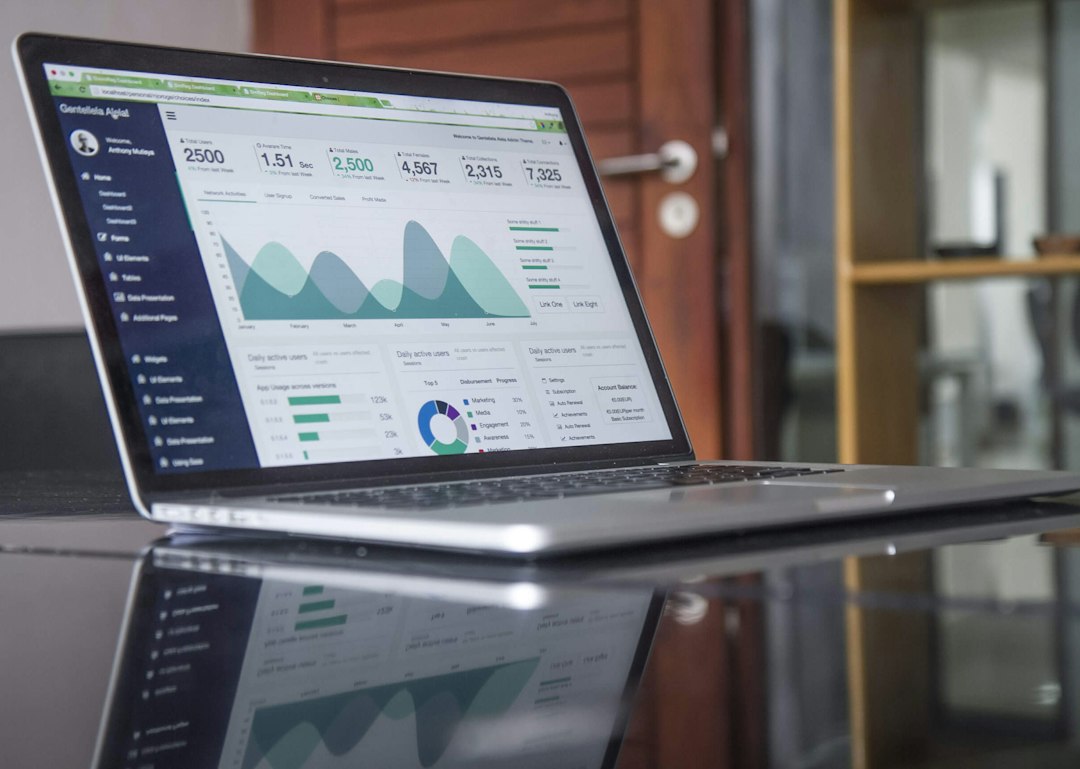
Visme is ideal for business flyers and info-heavy handouts. It handles charts, icons, data blocks, and neat layouts well. Use it for real estate, education, healthcare, and local services. It keeps messy information from becoming a total paper disaster.
-
10. Marq
Marq, once called Lucidpress, is made for brand control. Teams can lock logos, colors, and templates. This is useful for franchises, schools, and companies with many locations. Nobody can suddenly make the flyer neon green by accident.
-
11. DesignCap
DesignCap is simple and light. It works well for flyers, posters, and basic marketing sheets. The template library is broad enough for most small projects. It is not flashy, but that can be a blessing when you just need the thing done.
-
12. BeFunky
BeFunky combines photo editing, collage tools, and flyer design. It is fun for casual promos. Think bake sales, music nights, yard sales, and local clubs. The controls are easy, so beginners will not feel trapped in button soup.
-
13. Stencil
Stencil is fast. Very fast. It is mostly known for social graphics, but it can create flyer designs too. It has lots of stock photos and icons. Use it when you need a clean flyer today, not after six meetings.
-
14. Venngage
Venngage is strong for flyers with steps, stats, schedules, or pricing. It started with infographics, and that shows. The layouts make information easy to scan. It is great for workshops, classes, awareness campaigns, and nonprofit events.
-
15. Piktochart
Piktochart is another smart pick for data-friendly flyers. If you need icons, charts, maps, or clean sections, try it. It is less party balloon and more smart clipboard. That is perfect for reports, school programs, and public notices.
-
16. Placeit
Placeit is helpful if mockups matter. You can create a flyer design and show it in realistic scenes. This is great for selling the idea to a client or boss. The templates lean modern and trendy.
-
17. Kittl
Kittl is excellent for vintage, bold, and illustrated flyer styles. It shines with cool typography. Use it for concerts, barbershops, coffee events, streetwear drops, and food trucks. The text effects are much better than basic template tools.
-
18. CorelDRAW
CorelDRAW is for people who want more control. It is a full design tool, not just a template editor. It handles print files, vector art, and layout details well. Expect a learning curve. Also expect better precision.
-
19. Affinity Designer
Affinity Designer is powerful and has a one-time purchase model. Designers like it for vector work, custom layouts, and print-ready files. It is great if you want freedom from monthly software bills. That part feels pretty nice.
-
20. Adobe InDesign
Adobe InDesign is the pro choice for print layout. It is not the fastest for beginners. Still, it is excellent for multi-page flyers, catalogs, and print campaigns. It drives me crazy that tiny setup choices matter so much here, but the final files can look fantastic.
How to pick the right flyer tool
- Need it fast? Choose Canva, Adobe Express, or Stencil.
- Need printing included? Try Vistaprint, Zazzle, or Canva Print.
- Need brand control? Use Marq or Adobe Express.
- Need charts or schedules? Pick Visme, Venngage, or Piktochart.
- Need pro print files? Use InDesign, Affinity Designer, or CorelDRAW.
Quick flyer tips that save headaches
- Use one main message. One flyer. One goal.
- Make the headline huge. People skim first.
- Add a clear offer. “Free coffee with any sandwich” beats “Visit us soon.”
- Use a QR code. Send people to a menu, booking page, coupon, or map.
- Check print settings. Use bleed, margins, and high resolution images.
- Order a small batch first. Print 25 before printing 2,500. Your future self may thank you.
The best platform depends on your patience, budget, and deadline. If the flyer is for tomorrow, use a template tool. If it is for a big campaign, use a pro design app or hire a designer. Either way, keep it bold, clear, and easy to act on. A flyer should not whisper. It should tap someone on the shoulder and say, “Hey, this is worth your time.”
